Featured Stories
Breaking Down Tool Data Silos with TDM Systems
Discover how Mastercam and TDM Systems help manufacturers eliminate tooling data silos with a centralized tool management strategy. Learn how integrating approved tooling data directly into Mastercam streamlines programming, improves process reliability, preserves institutional knowledge, and creates a connected workflow from programming to production.
Program It In Mastercam. Repeat It With ProShop.
Mastercam and ProShop are helping manufacturers connect CNC programming with shop-floor execution. By combining proven programming workflows with centralized process documentation, tooling, setup, and quality information, shops can improve consistency, preserve knowledge, and create more repeatable, scalable manufacturing operations.

Mastercam x Toolhive Launches at IMTS 2026
Mastercam and ToolHive are helping manufacturers close the gap between programming and production. By centralizing tooling data, assemblies, and availability, shops can reduce setup delays, improve collaboration, and ensure the right tools are ready before a job reaches the machine.
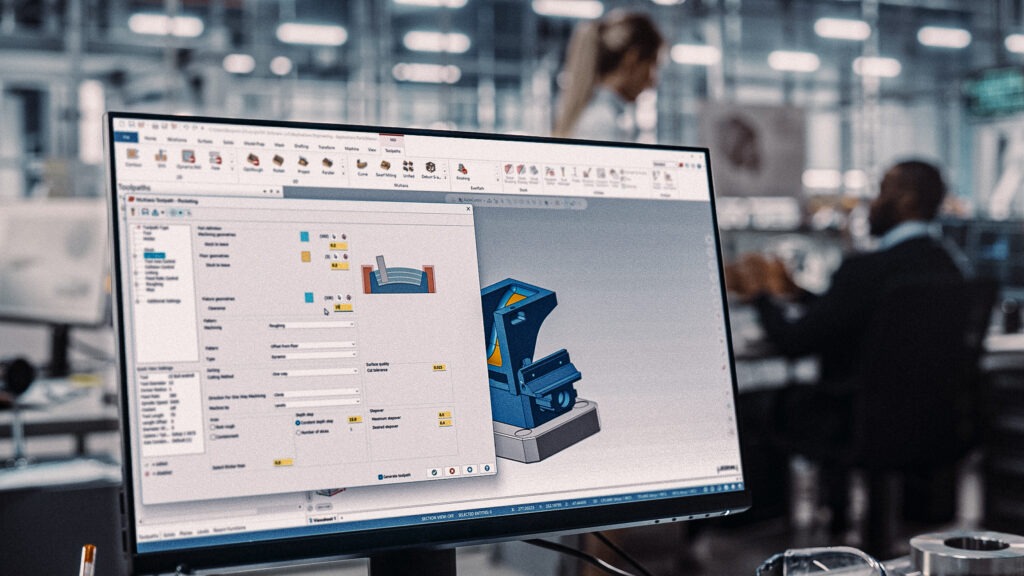
7 Multiaxis Programming Tips
Our latest webinar shared practical tips and techniques that can help programmers get better results from their Multiaxis workflows. Whether you are just getting started with 5-axis machining or programming complex parts every day, these strategies can help streamline programming, reduce cycle times, and improve machining outcomes.
Building the Next Generation of CNC Programmers
The manufacturing industry continues to face a growing skills gap, making quality education, industry-aligned training, and accessible curriculum more important than ever. Read more to see how our latest webinar discussed how educators can better prepare students for careers in CNC programming and manufacturing.
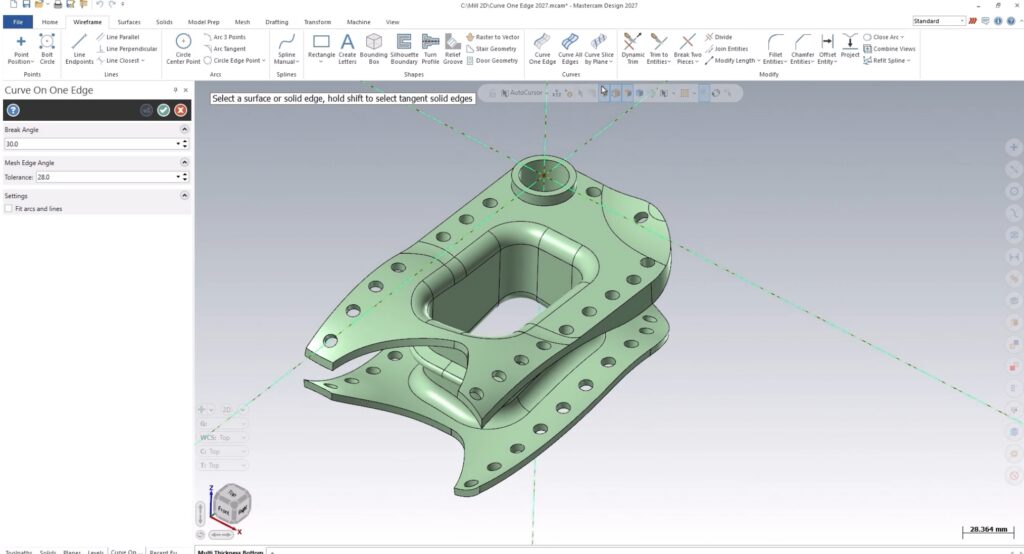
Create Fixture Geometry Faster with Curve One Edge
Tired of spending valuable programming time creating fixture geometry? Curve One Edge makes it easy to extract model edges, generate wireframe profiles, and build supporting geometry in seconds. See how this simple tool can eliminate extra steps and boost efficiency.
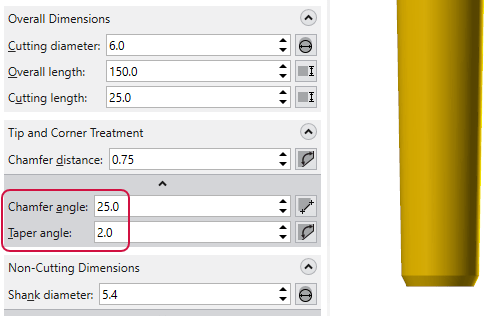
Tool Definition Enhancements in Mastercam 2027
What if your digital tool models matched your real tools more closely than ever before? Mastercam 2027 introduces powerful tool definition enhancements that improve simulation fidelity, collision detection, and toolpath validation, helping programmers work with greater confidence and efficiency.
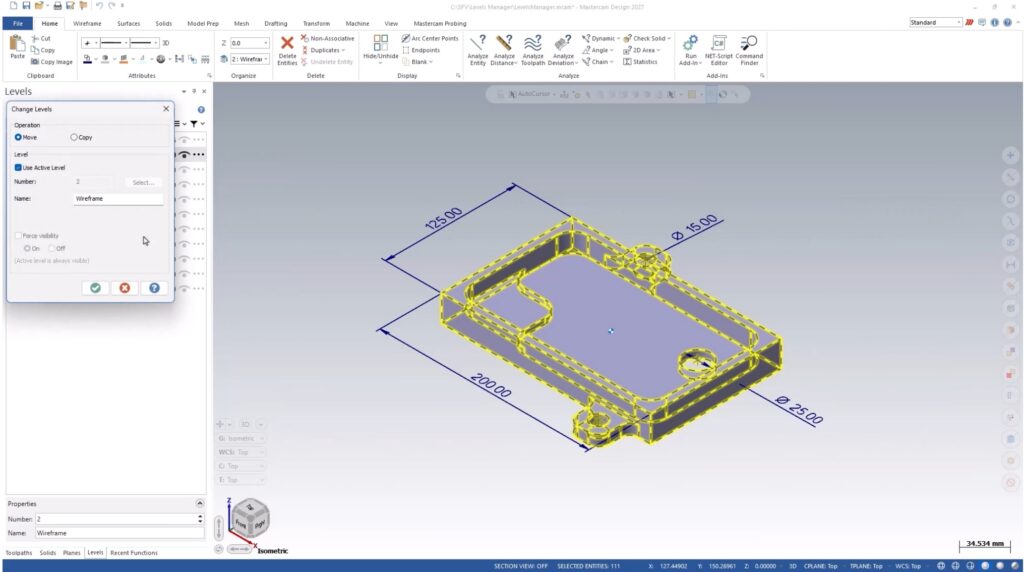
Mastercam 2027 Levels Manager Enhancements
Spend less time managing levels and more time programming. Mastercam 2027 introduces multi-level creation and an enhanced Properties menu, making it easier to organize, navigate, create, and rename levels while reducing repetitive clicks and setup effort.
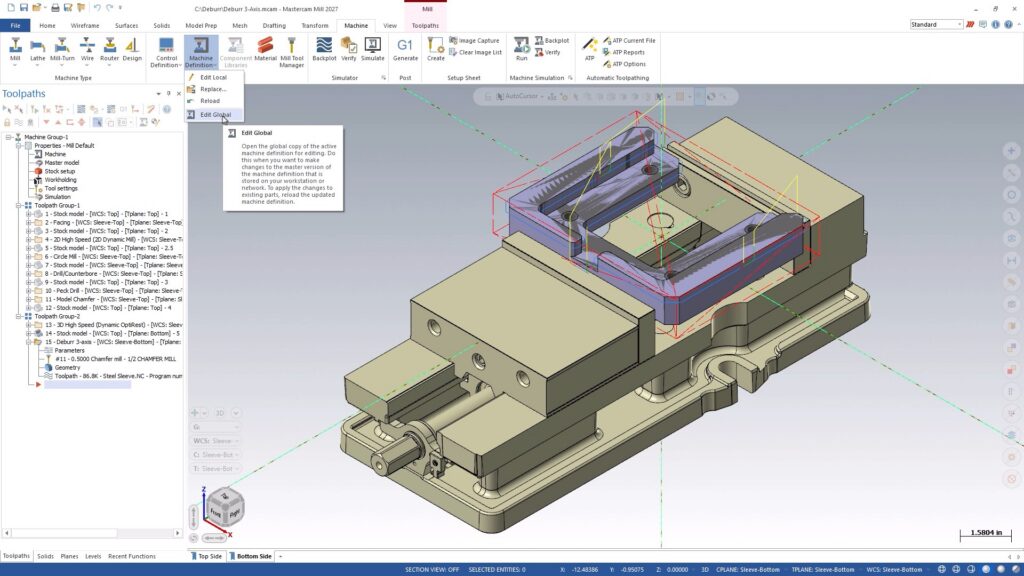
Mastercam 2027 Modernizes Machine Definitions
Building machine definitions just got smarter. Mastercam 2027 introduces a streamlined interface, integrated graphics-based editing, real-time validation, and stronger data protection, helping machine developers work faster, reduce errors, and maintain greater confidence in every setup.
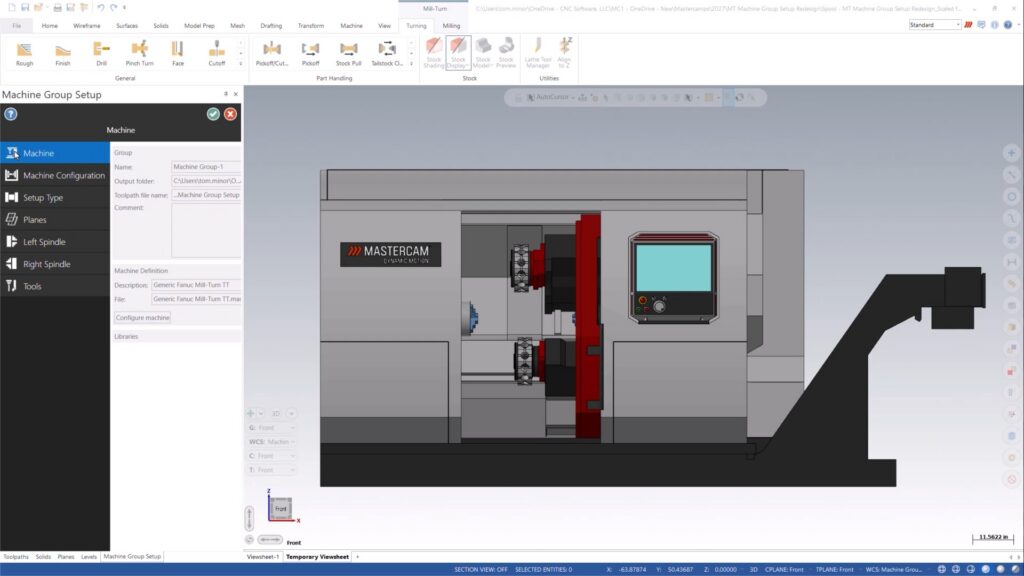
What is New in Mastercam 2027 for Mill-Turn Users?
Mastercam 2027 brings a smarter, more visual Mill-Turn experience. Discover the redesigned Machine Group Setup, built-in machine visualization, and enhanced Component Library tools that streamline setup, improve navigation, and make machine management easier than ever.
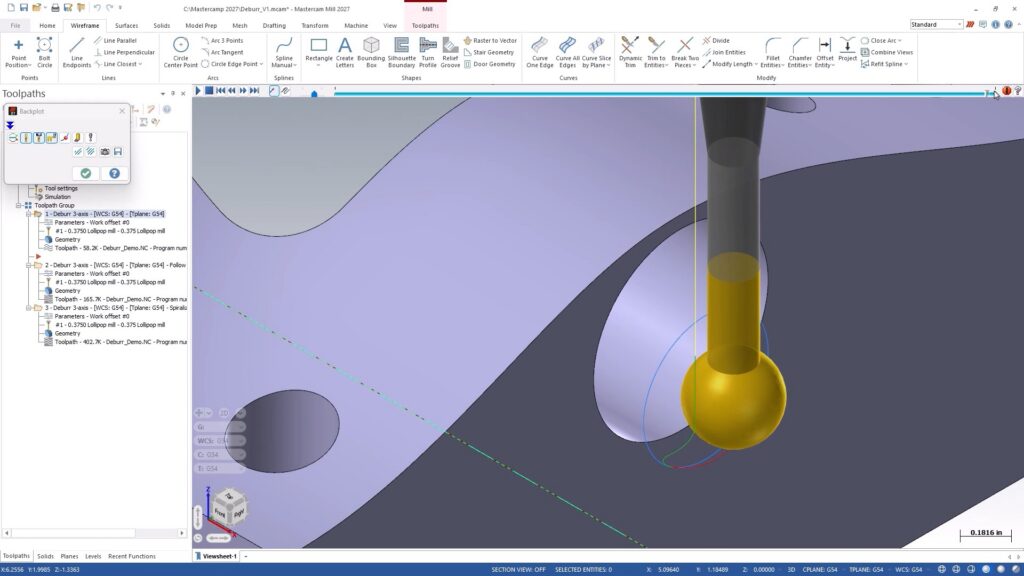
Mastercam 2027 Deburr Enhancements
Less programming. Smoother motion. Better finishes. Mastercam 2027 introduces powerful new Deburr enhancements that give programmers more control over machining direction, edge sequencing, tooling strategies, and workflow efficiency.
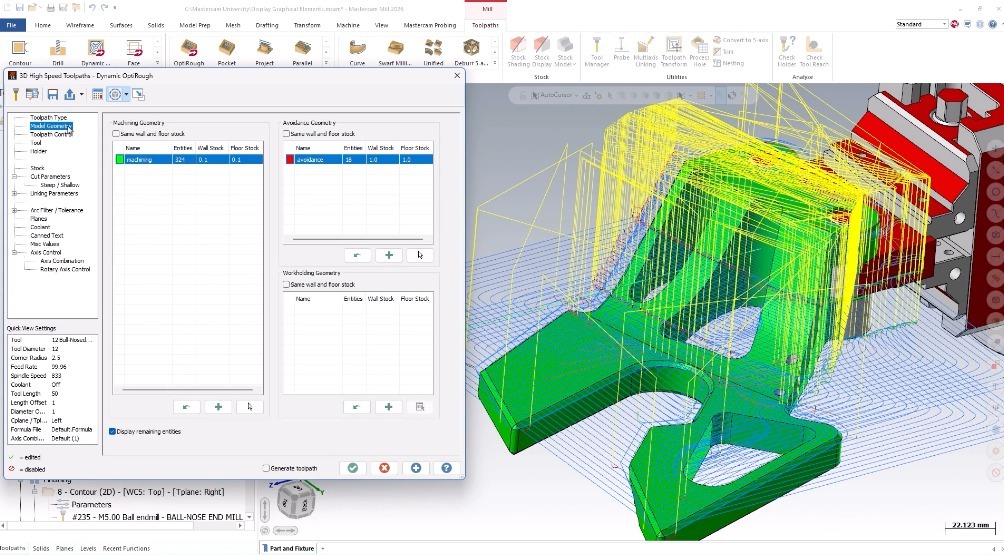
Understanding Display Graphical Elements
What if your toolpath could explain itself? Mastercam’s Display Graphical Elements feature turns hidden parameters into visual references, making it easier to verify machining intent, spot potential issues, and fine-tune settings before machining begins. Discover how this overlooked tool can improve your workflow.