Educational Resources
#1 CAM Solution for Educators
With over 150,000 worldwide educational licenses in use, we empower the next generation of CNC programmers. For over 40 years, Mastercam has been the bridge between classroom learning and real-world manufacturing. This is why Mastercam continues to be the most widely used CAM solution within technical education programs.
Students learn on the same software used by Boeing, IBM, and Sikorsky—giving them immediate industry relevance and career readiness. And with substantial educational discounts and comprehensive support, we make it easy to integrate Mastercam into your curriculum.
When your students graduate with Mastercam expertise, they enter the workforce already fluent in the industry standard. Why settle for anything less than the software that powers modern manufacturing?
Mastercam and camInstructor partner to train the next generation
Mastercam and camInstructor partner to bring classroom-ready curriculum to the Mastercam Educational Suite — giving educators the lesson plans and resources they need to train the next generation of manufacturers.
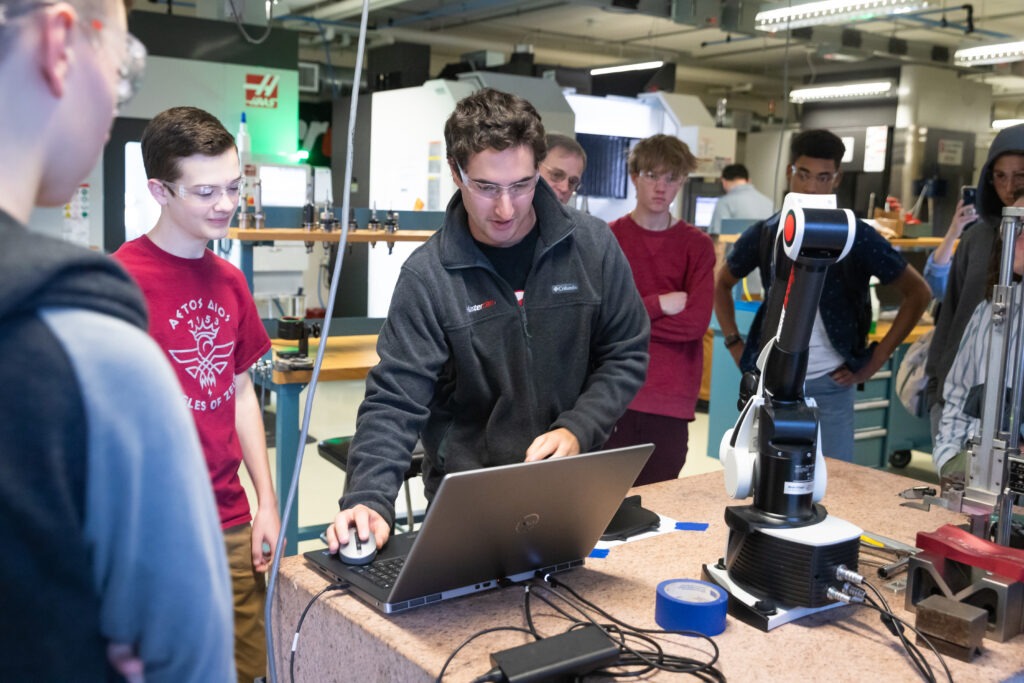
Skills competitions
We sponsor numerous programs and competitions to expand opportunities in education to get students excited about careers in manufacturing. Learn more about the current competitions we sponsor.

Free Learning Edition
Our free learning edition is fully functional for design and programming practice. However, unlike our Mastercam Educational Suite, the free learning edition does not generate G-code. All files are compatible with the Education Suite, so you can seamlessly transition to full production when ready. Please know that you will be asked to log-in to myMastercam before accessing the learning edition.
Learning resources

Mastercam University provides online, video-based training for computer-aided design and manufacturing. Sharpen your skills on your own schedule with easy-to-use, real-world training applications. The courses cover all levels of Mastercam skills from basic to advanced.

If you are looking to set yourself apart as a skilled Mastercam programmer in the increasingly competitive job market, Mastercam Certification is the answer.

Free training. Unlimited potential.
Build essential CAD/CAM skills with 4 core Mastercam courses—completely free.
- WorldSkills Prep for CNC Milling
- STEM: Principles of Manufacturing and Machining
- Mastercam Basics Series
- Mastercam Core
Perfect for students, educators, and manufacturing professionals.
Education meets innovation
Dunwoody College of Technology x ProtoTek
Success stories
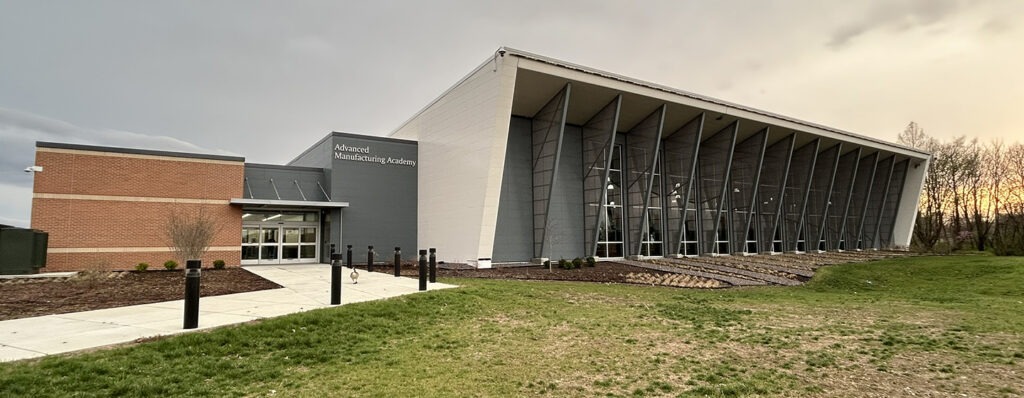
Programming the Future
A hands-on precision machining program at Southwestern Illinois College (SWIC) is having a big impact on bridging the skills gap by training a new generation of digitally fluent, industry-ready programmers.
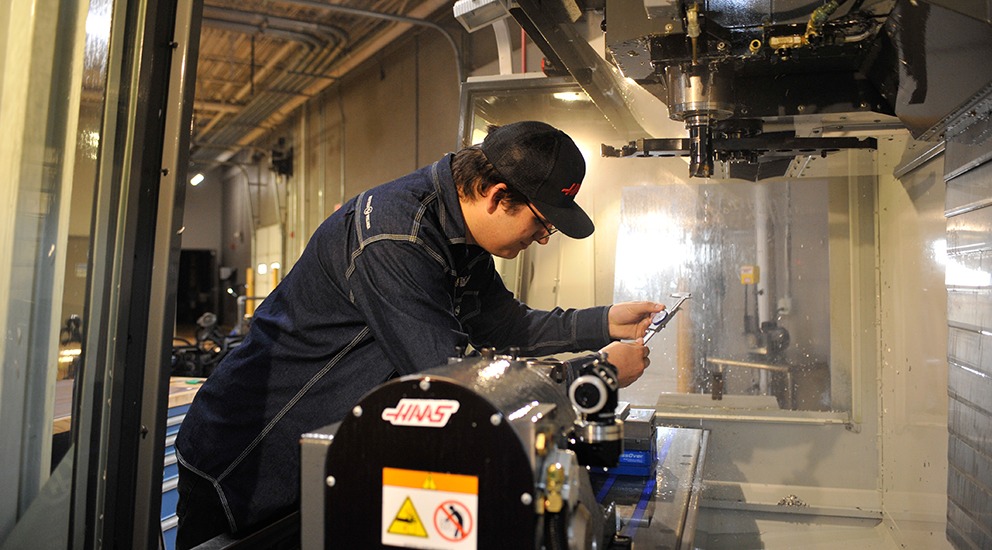
From Student to Instructor
Tri-County Technical College teaches Mastercam to prepare students for successful manufacturing careers.
Frequently asked questions
Search or pick a topic to find answers about Learning Edition, Educational Suite, competitions, training, and posts.
Mastercam Learning Edition
What is Mastercam Learning Edition?
Who is eligible to use it?
Is it free?
How do I download it?
How do I create or verify a myMastercam account?
What do I do if my myMastercam login is locked or my activation code is missing?
How long does access remain active, and how do I renew or reactivate it?
Can I reinstall it or use it on a home computer?
Can I obtain an older version?
Does it work on a Mac?
Mastercam Learning Edition capabilities and limitations
Can it generate G-code or NC code?
Can it be used to manufacture a component on a CNC machine?
Can Learning Edition files be opened at school or work?
What is the difference between Mastercam Learning Edition and Mastercam Educational Suite?
Which education product is appropriate for manufacturing actual parts?
Students, educators, and schools
How can a student get Mastercam for use outside the classroom?
Can faculty and instructors use Learning Edition?
How does a school purchase or renew Educational Suite?
Which education product supports G-code?
How do international schools find local pricing or support?
How can a school request a grant-support letter?
Student teams and competitions
Does Mastercam provide software for student competitions like WorldSkills, EuroSkills, SkillsUSA, etc.?
How do FIRST Robotics, Formula SAE, Baja SAE, etc. begin a request?
Mastercam University and training
How do I access Mastercam University?
What do I do if a course or exercise file is missing?
Are courses available for older versions?
Where can I find Multiaxis, 5-axis, Mill-Turn, and Lathe learning?
Which open enrollment course should I take first?
How do I register and pay for training?
Are custom, on-site, or non-English options available?
Where can I learn more about Mastercam certification?
Post processors and machine support
What is a post processor?
Where can I find available posts?
How do I request a post for a specific machine or control?
What machine information should I provide?
Are posts included with Learning Edition?
Can custom machines be supported?
Where should existing customers go for post modification or technical support?
No matching questions. Try another word, or contact a Mastercam representative.