Featured Stories
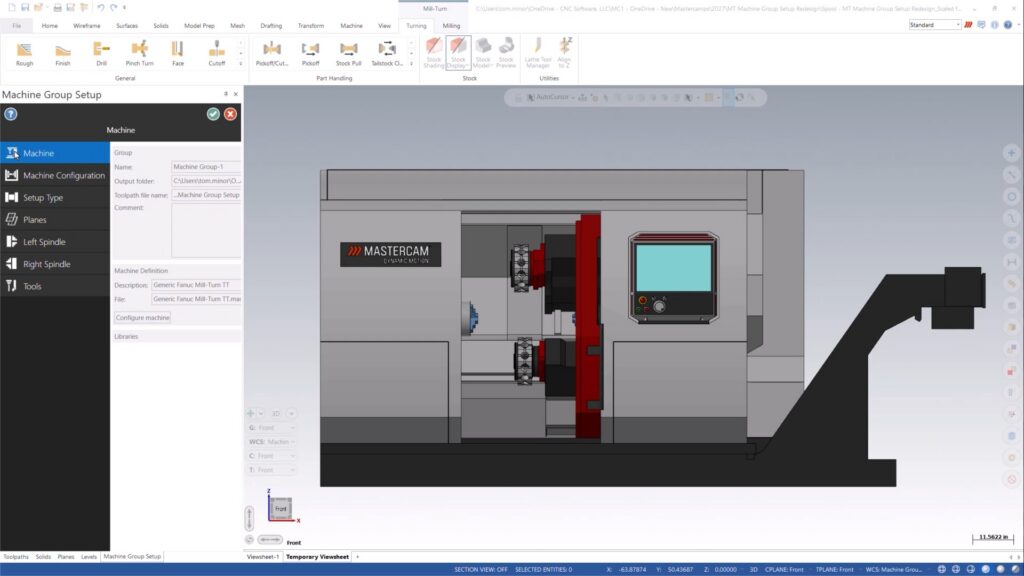
What is New in Mastercam 2027 for Mill-Turn Users?
Mastercam 2027 brings a smarter, more visual Mill-Turn experience. Discover the redesigned Machine Group Setup, built-in machine visualization, and enhanced Component Library tools that streamline setup, improve navigation, and make machine management easier than ever.
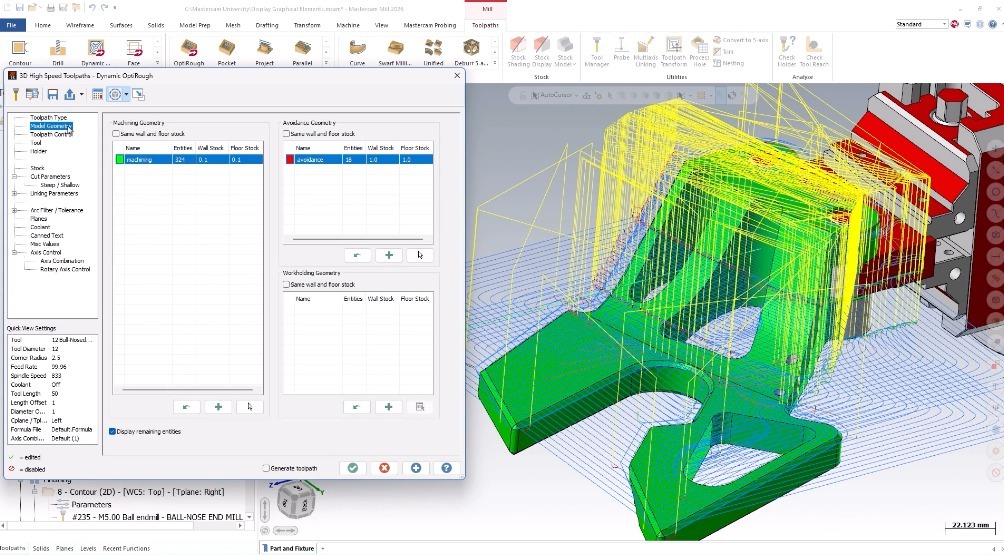
Understanding Display Graphical Elements
What if your toolpath could explain itself? Mastercam’s Display Graphical Elements feature turns hidden parameters into visual references, making it easier to verify machining intent, spot potential issues, and fine-tune settings before machining begins. Discover how this overlooked tool can improve your workflow.
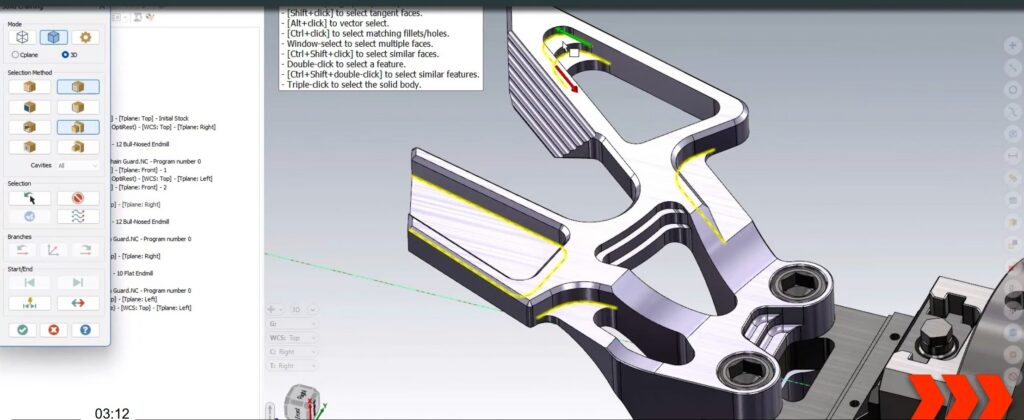
Small Mastercam Features That Make a Big Impact
Mastercam is packed with powerful capabilities, but sometimes it is the small, often overlooked features that deliver the biggest productivity gains. Learn more about a few under‑utilized Mastercam features that can make your day‑to‑day programming faster, cleaner, and more efficient.
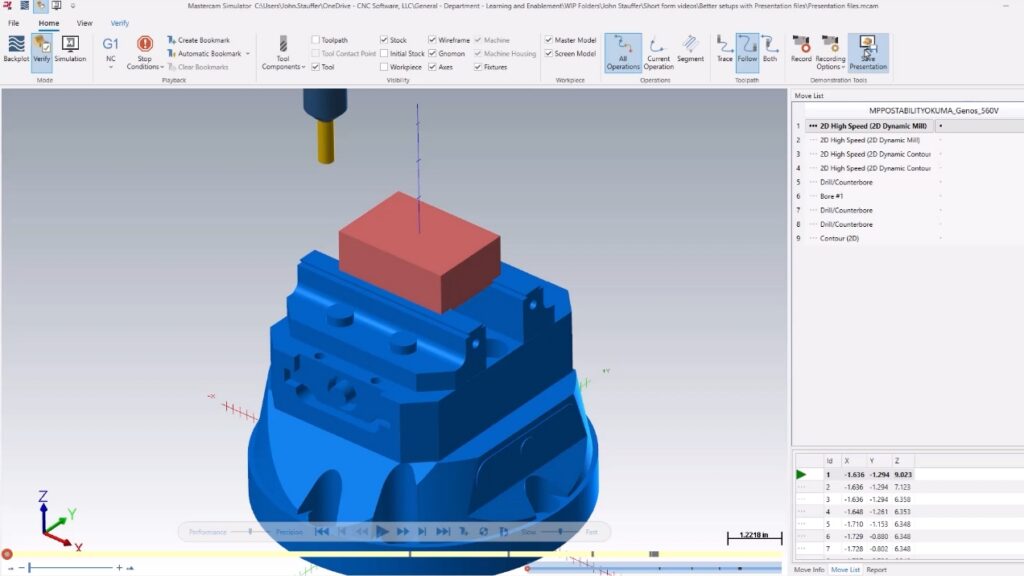
Level Up Your Setup Sheets with Mastercam Presentation Files
One simple way to remove uncertainty and help machinists move faster is by pairing setup sheets with Mastercam presentation files. This post takes a closer look at how they work, why they matter, and how to create them.
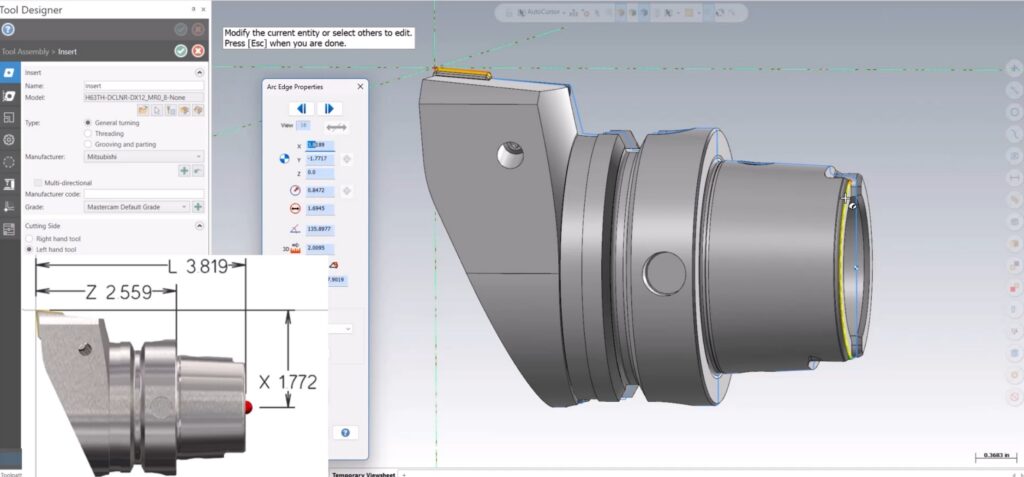
Better Mill-Turn Simulation: How to Align 3D Turning Tools in Mastercam
Boost your confidence and cut guesswork by aligning 3D turning tools accurately in Mastercam. A quick update to the Manufacturer Code field delivers cleaner, more reliable simulation. Ready to elevate your programming? Learn more.

Unlocking Faster Programming with OptiRough in 2.5-Axis Machining
Explore how OptiRough dramatically reduces programming time, intelligently targets remaining stock, and cuts unnecessary tool motion, all while delivering cleaner, more controlled toolpaths.
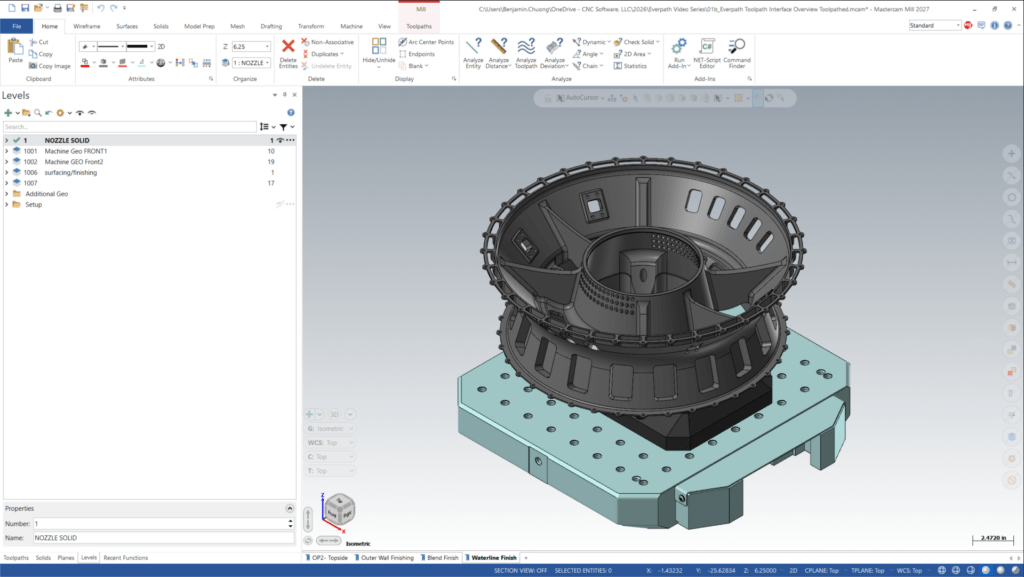
Understanding Solids, Surfaces, and Meshes in Mastercam
In CNC programming, the model you start with shapes everything that follows — from toolpath precision to workflow efficiency. Mastercam provides programmers three primary model types to work with: solids, surfaces, and meshes. Let's break down the differences.
Spot Drill vs. Center Drill: What is the Difference?
When setting up drilling operations in Mastercam, you may notice two similar tools in the filter: spot drills and center drills. While these terms are often used interchangeably, they serve very different purposes—and using the wrong one can lead to tool damage, poor hole quality, and inaccurate machining results. Let’s break down the differences and best practices for each. Understanding the Geometry Side by side,…
What’s New in the Mastercam 2026 Planes Manager
If you have ever found yourself scrolling through a long list of planes trying to find the one you need, Mastercam 2026 has some good news. The Planes Manager has been refined with new organizational tools that help you spend less time searching and more time programming. Let's walk through what has changed and how to put these updates to work. New Ways to Create…
Mastercam Job Setup: The Foundation for Efficient CNC Programming
When it comes to CNC programming, success starts with proper planning—and in Mastercam, that means mastering Job Setup. This essential step ensures your machining process runs smoothly, minimizes errors, and maximizes efficiency. Whether you are a beginner or an experienced programmer, understanding Job Setup is key to getting the most out of your CAM software. What is Job Setup in Mastercam? Job Setup is the…

Mastercam Probing with If-Then Logic: Automate Smart Machining Decisions
When it comes to CNC programming, efficiency and precision are essential. Mastercam’s probing capabilities, combined with If-Then conditional logic, empower machinists to make smarter, automated decisions on the shop floor. Why Conditional Logic Matters in Mastercam Probing If your machine controller supports If and GOTO statements, you can unlock a new level of flexibility in your programs. The payoff? Less wasted time Fewer scrapped parts…

Mastercam Probing: How to Correct Fixture Misalignment with Coordinate System Rotation
In a high-mix, low-volume environment, frequent fixture changes are the norm. But what happens when a fixture is not trammed in properly before machining? The result can be disastrous. Your stock and fixture sit at an angle relative to the machine table, and if there isn’t enough extra stock, your part may not meet specifications. Fortunately, Mastercam Probing combined with a machine probe offers a…

Mastercam Migration Made Easy: Seamlessly Transition to the Latest Version
Every new release of Mastercam introduces powerful features, performance improvements, and workflow upgrades. Before upgrading, it’s essential to migrate your files the right way for a smooth transition. Whether you work alone or with a team, the Mastercam Migration Wizard makes updating your files simple. Here’s how to use it and why it matters. Why Migration Matters Upgrading Mastercam is more than just installing new…