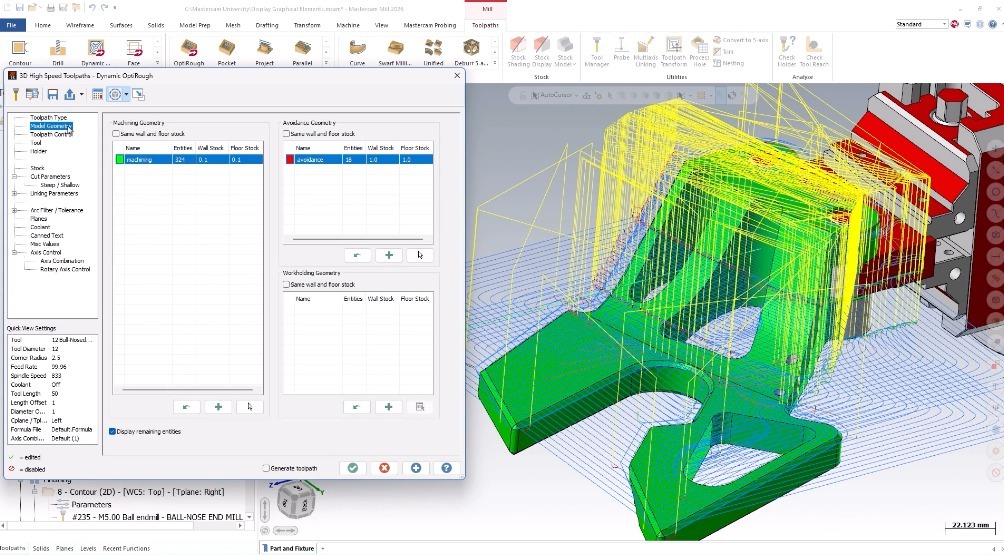
Roughing material efficiently is essential for any shop looking to maximize throughput, reduce machine wear, and keep production moving. OptiRough is an advanced roughing strategy powered by Dynamic Motion technology, which is designed to optimize cutting approaches. Most programmers already know OptiRough as a go‑to strategy for 3D roughing, but what many do not realize is that OptiRough is included with every Mill or Router license and can be a game‑changer for 2.5-axis applications, too. OptiRough takes the same safe and efficient 2d dynamic technology that users know and trust and applies it to a volume with the concept of stepups and stepdowns.
In this post, we will explore how OptiRough dramatically reduces programming time, intelligently targets remaining stock, and cuts unnecessary tool motion, all while delivering cleaner, more controlled toolpaths.
Smarter Roughing with Fewer Operations
Traditionally, a part like the one in our Show Me video requires several Dynamic Mill toolpaths to remove stock efficiently.
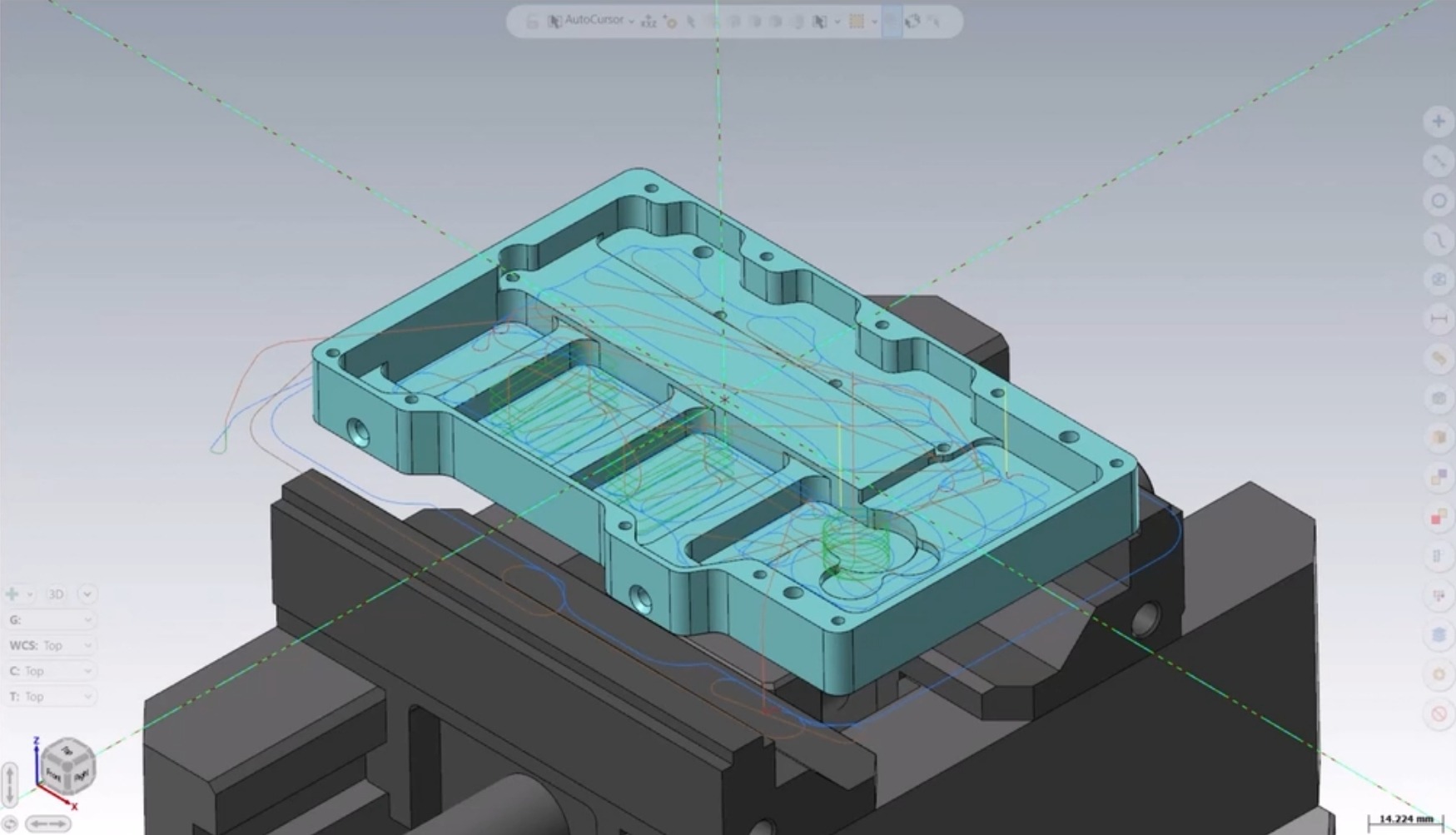
In the above example, the programmer used:
- Two operations with a larger tool to rough the outer profile and the main internal area
- Four additional operations with a smaller tool to reach deep pockets and tight features
The result is perfectly functional, but the programming time adds up quickly when each region requires its own chain, linking settings, and verification. Luckily, OptiRough offers a more streamlined alternative.
Let OptiRough Do the Heavy Lifting
Unlike strategies that rely solely on chains, OptiRough is model‑aware. This means you can simply provide the part model, and the toolpath automatically determines where the tool can fit and how it should engage.
Here is how the workflow changes:
- Start with a single OptiRough operation using the larger tool.
- Create a stock model from that operation.
- Duplicate the OptiRough toolpath.
- Swap the tool for a smaller one.
- Enable rest material, selecting “One other operation,” and reference the stock model.
- Update Steep/Shallow and minimum depth settings to control where cutting should begin.
Because OptiRough is stock‑aware, the second toolpath only cuts where material remains. No unnecessary motion. No manual chaining. No time wasted!
Reducing Wasted Motion in Open Features
Now for a more challenging example: an open slot with a sloped stock wall on one side.
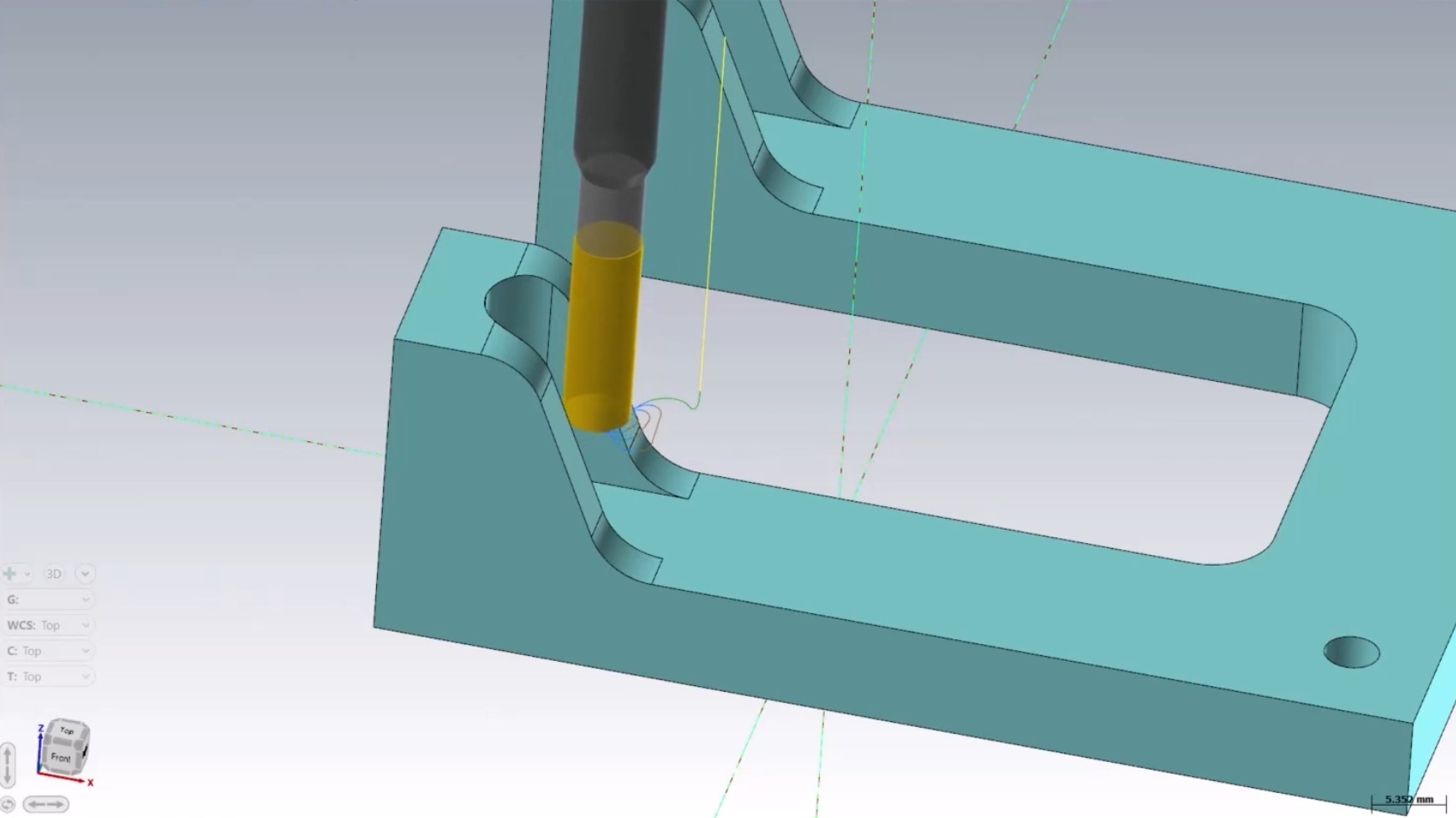
Using Dynamic Mill here is possible, but not ideal. Since the chain is based on the bottom of the geometry, depth cuts become an issue; especially when the tool cannot handle the full depth in one pass.
Breaking the cut into multiple passes introduces:
- Extra transverse moves
- Air‑cutting
- Wasted cycle time
In high‑volume environments, this can add up quickly. OptiRough handles this more intelligently.
By driving the toolpath from a stock model, OptiRough trims out motion that does not actively engage remaining material. The result closely resembles Dynamic Mill, but with significantly less non‑cutting movement.
Why OptiRough is a Powerful Option for 2.5-Axis Work
OptiRough is not just a 3D strategy, it is a time‑saver for any machinist working in 2.5-axis environments. It allows you to:
- Reduce the number of required operations
- Automatically target remaining stock
- Minimize air‑cutting
- Build cleaner, more efficient programs
- Shorten overall programming time
If you have a standard Mill or Router license, you already have access to OptiRough! And if you are looking for more ways to push your productivity even further, we can help you get there.
Keep Learning with Mastercam University
Be sure to watch the full Show Me video on myMastercam with the examples shown above.
If you are ready to take a deeper dive into OptiRough, you can explore the Dynamic OptiRough module in the 2D Mill Course on Mastercam University.