Determining when each model-type works best
In CNC programming, the model you start with shapes everything that follows — from toolpath precision to workflow efficiency. Mastercam provides programmers three primary model types to work with: solids, surfaces, and meshes.
Each one brings unique strengths to the table and understanding when (and why) to use them helps you program with confidence and efficiency.
Let’s break down the differences:
Solids: The modern standard for machining
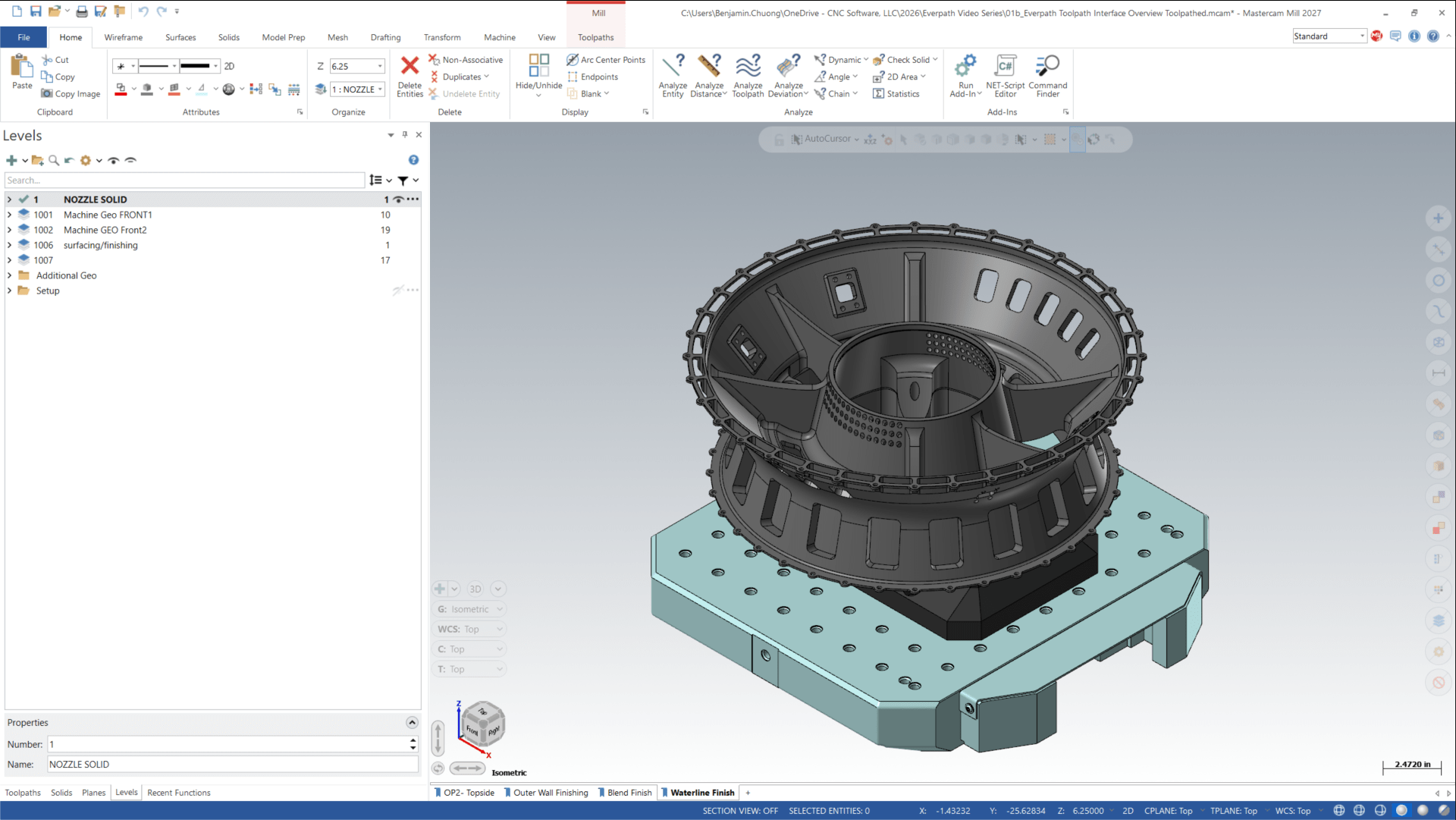
Solids are the backbone of today’s CAD/CAM workflows, and for good reason. If you are machining parts, a solid model is almost always the right place to start.
Solids represent real-world objects as closed, watertight bodies with volume, mass, faces, and edges. This gives you a model that behaves predictably, updates cleanly, and connects seamlessly to Mastercam’s toolpathing strategies.
Why solids work well
- Real-world accuracy: If the part is one physical piece, it can and should be one solid in Mastercam.
- Automatic toolpath updates: When solids change, associated toolpaths can update automatically (often without touching your parameters).
- Built-in edges and faces: Perfect for 2D chains, 3D surface selection, and multiaxis control.
- Industry standard: Most engineering teams design in solids, and most customers can supply them if asked.
For modern machining workflows, solids offer the most flexibility, the cleanest geometry, and the least rework. When in doubt, start solid.
Surfaces: Flexible and precise for complex shaping
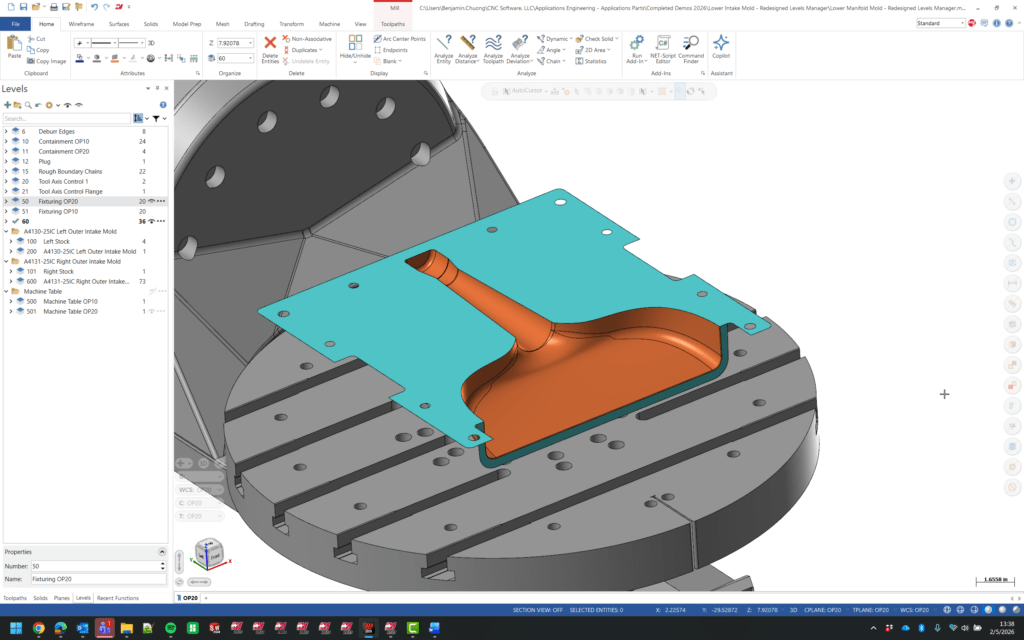
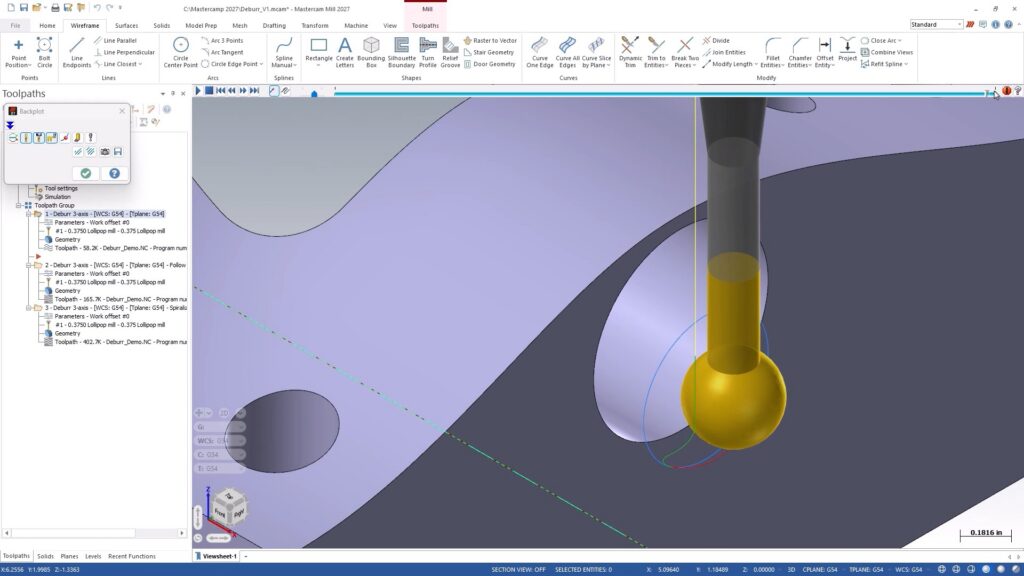
Surfaces have been around longer than solids, and they still play an important role, especially when you are shaping flowing, organic, or highly customized areas of a part.
Surfaces represent geometry as individual faces rather than closed volumes. This gives them incredible flexibility, but also a few notable limitations.
When surfaces shine
- Advanced 3D and multiaxis toolpaths: Surfaces provide excellent “skin” information for machining complex shapes.
- Fine-grained control: Because each surface is independent, you can modify or replace small areas without rebuilding the whole model.
- Patching and repairs: Fast, precise, and ideal for fixing problem areas or modeling small features.
Where surfaces fall short
- No inherent edges: You may need to build wireframe geometry to support 2D toolpaths or toolpath boundaries.
- Higher maintenance: If a surface changes, your supporting wireframe may need to be recreated and reassociated.
- Not a closed body: Surfaces do not carry mass or volume and cannot represent a complete solid unless stitched together.
If you receive a model made of surfaces that looks like a solid, you can often convert it using Solids from Surfaces in the Solids tab. It is a fast way to gain all the advantages of solid modeling while keeping the original geometry intact.
Meshes: Great for organic shapes, 3D printing, and more
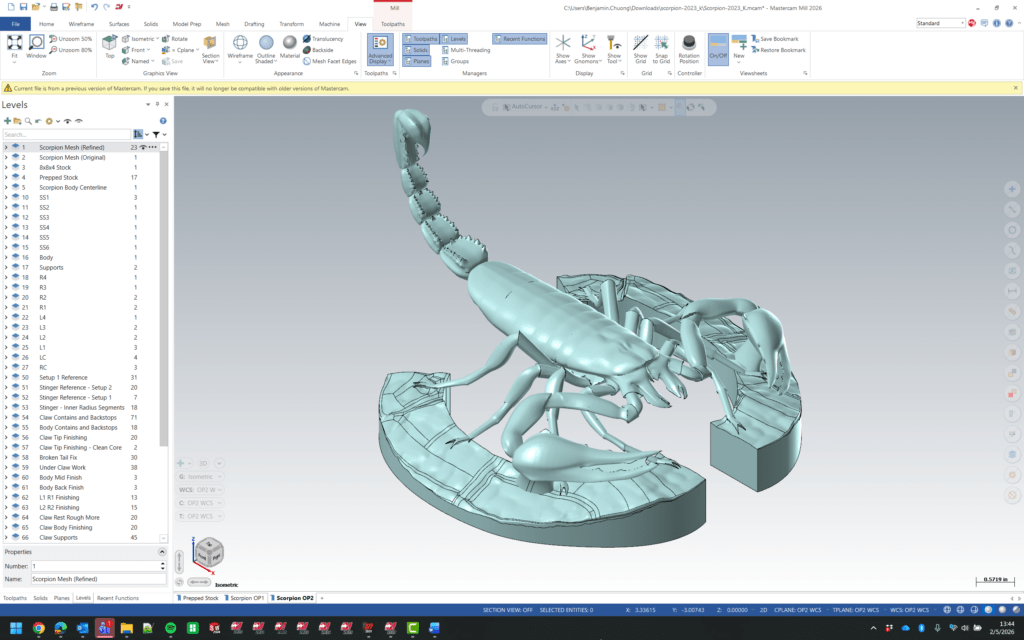
Meshes represent shapes as a collection of tiny facets — like a digital sculpture made from triangles. They have long been the standard for 3D printing and visual modeling, and Mastercam has steadily expanded the tools available to work with them.
When meshes make sense
- Artistic, organic, or sculpted forms: Meshes thrive where dimension-driven precision is not the top priority.
- 3D printing workflows: Exporting to slicers typically requires mesh-based models.
- Stock models and reference geometry: Facets are not an issue when the mesh is not the part itself.
When to avoid meshes
For CNC machining, meshes should be used sparingly. Their faceted nature can show up in finished parts, especially on curved surfaces. While Mastercam includes tools to smooth or edit meshes, a mesh should rarely be used as your primary part model.
If you do need a mesh, Mastercam lets you convert a solid into one using Meshes from Entities, giving you flexibility depending on your output.
Choosing the right model type
While each modeling method has a place in Mastercam, a clear hierarchy emerges for CNC programming:
- Use solids whenever possible for part geometry.
- Use surfaces for targeted shaping, patching, repairs, and complex contour work.
- Use meshes for artistic projects, 3D printing, or reference-only geometry.
Solids keep your workflows clean and adaptive. Surfaces give you precision shaping options. Meshes open the door to creativity when needed.
In the end, knowing the strengths of each model type empowers programmers to work smarter, create cleaner toolpaths, and keep every project moving forward, no matter how simple or complex the part.
See the 3 model types in action
Log in to myMastercam and watch our Show Me video to see a full walkthrough of these model types in action!