Mastercam 2026
The first release of 2026 included advanced productivity tools like enhanced solid hole functionality and improved tool management. Check out the full list of features and capabilities that were included in Mastercam 2026.

GPU simulation, AI-enabled workflows, probing integration and more.
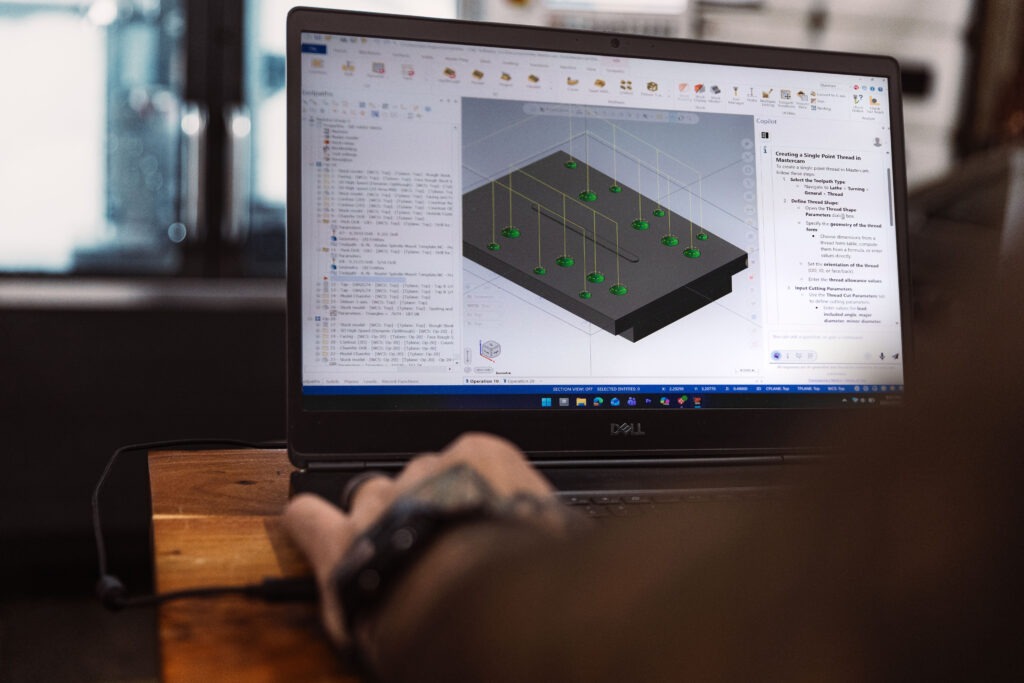
Mastercam 2026.R2 is the second release of 2026, delivering intelligent automation, improved multiaxis capabilities, and probing integration.
This release focuses on the feedback we hear most often from shops—simulation that keeps pace with your deadlines, automation that handles repetitive tasks, and tools that eliminate time-consuming manual work.
We have addressed real workflow bottlenecks: verification delays, repetitive programming routines, and other workflow steps that slow you down.
Run verification on complex parts without the wait. GPU simulation delivers up to 10× speed improvement over CPU simulation while maintaining high-resolution results.
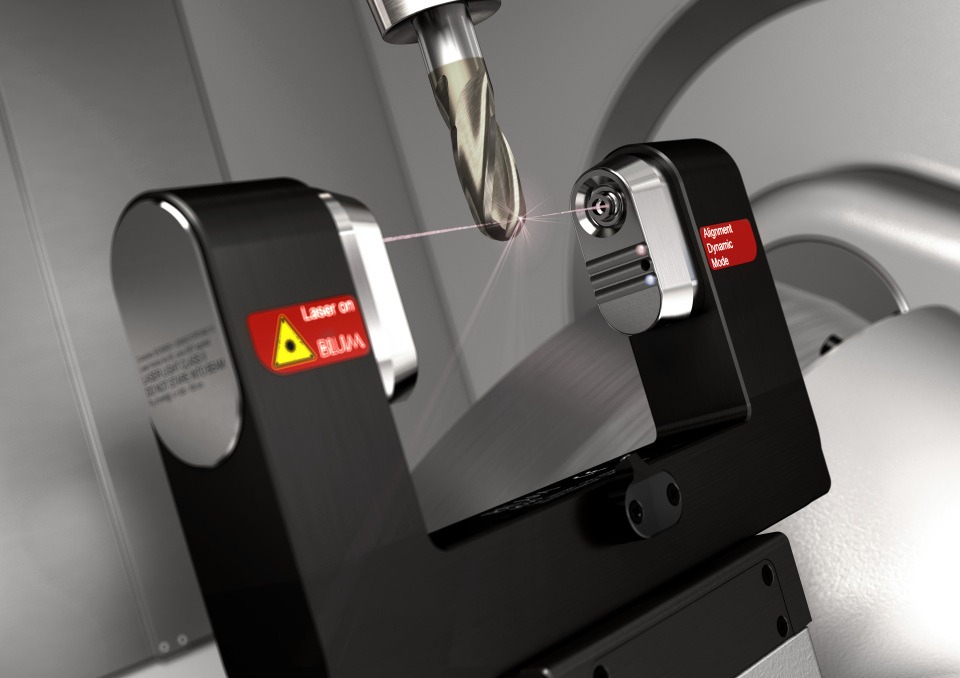
Handle tool setting, wear monitoring, and breakage detection for Blum Digilog Tool Setters directly in Mastercam—no manual code editing required. Compatible with Fanuc, Siemens, Okuma, Heidenhain, Mazak, and Makino controls. The integration keeps your tool data centralized and current.
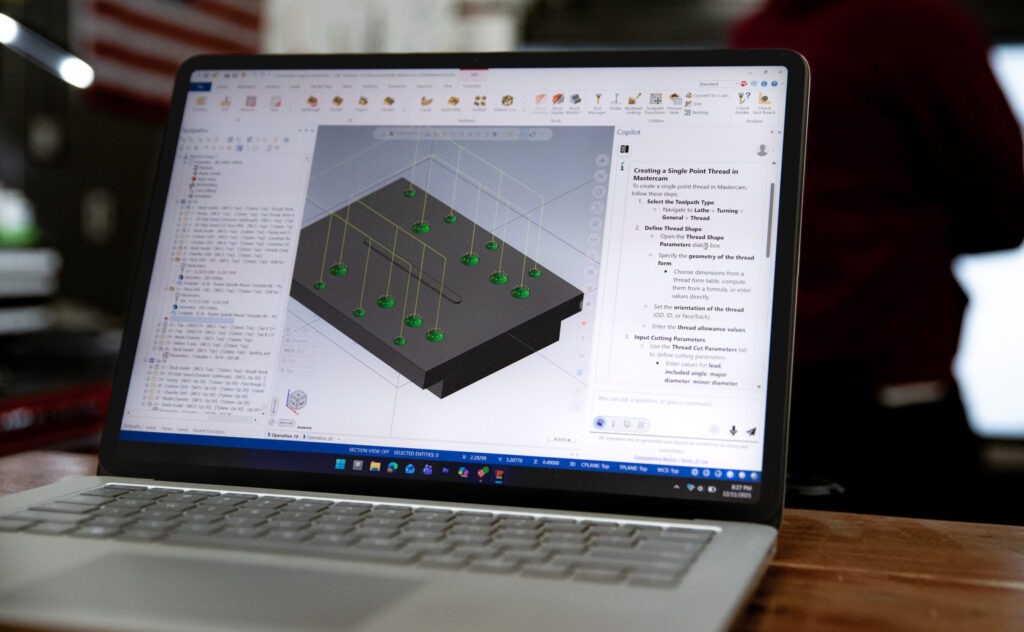
Control feed rates, spindle speeds, and machine parameters across Mill, Lathe, and Router operations using voice or text commands. Activate hands-free operation with the "Copilot" keyword and search myMastercam video library with direct timestamp links to relevant content.
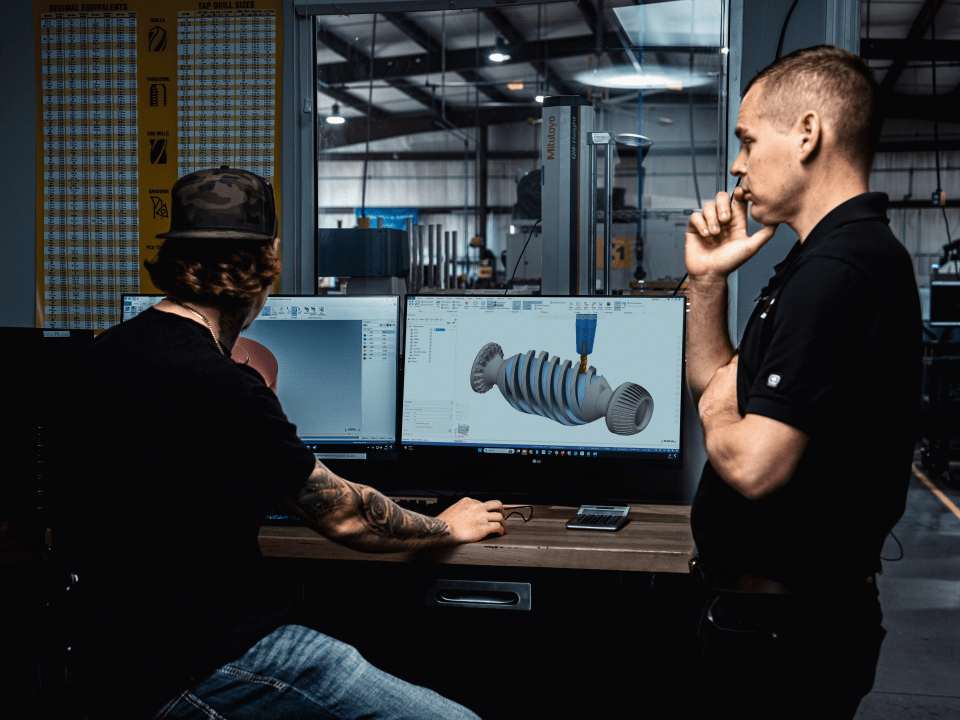
Automatic tilting collision control now supports bullnose tools, enabling shorter tool setups with collision-free 5-axis paths without manual configuration. Enhanced 4-axis finishing delivers improved surface quality and tool flexibility, while optimized level-based ordering reduces cycle times.
All I can say kudos for this update. The verify simulation is very impressive. I’ve ran Mastercam since 1996 and this is the most impressed, I’ve been in years with an enhancement.
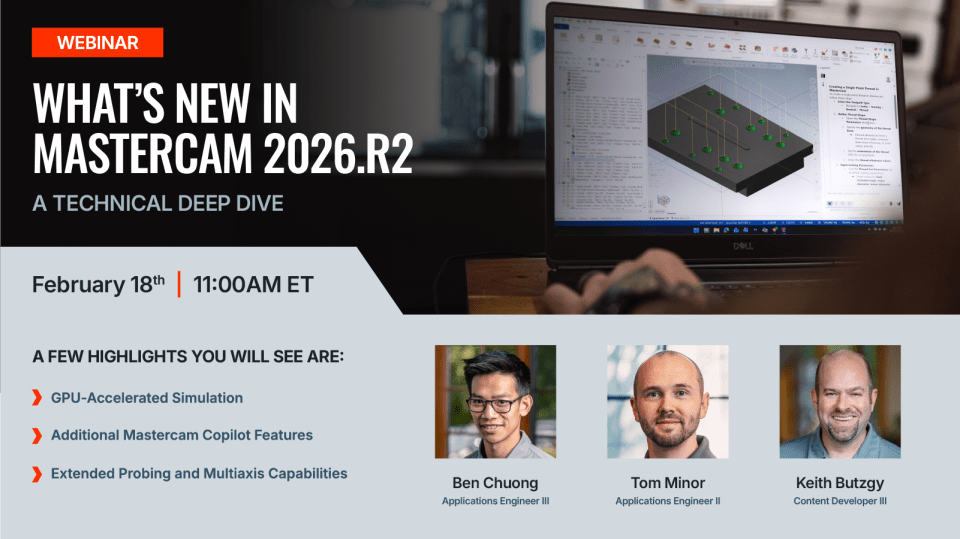
A technical walkthrough of the release’s most impactful features: Copilot for AI-assisted programming, GPU-accelerated simulation for faster verification, extended probing capabilities, and multiaxis enhancements built for complex geometry.
Mastercam CONNECT annual maintenance and support program gives you access to every release at no additional cost. Stay current with the latest features and capabilities as soon as they become available, including the latest Mastercam 2026.R2 release.
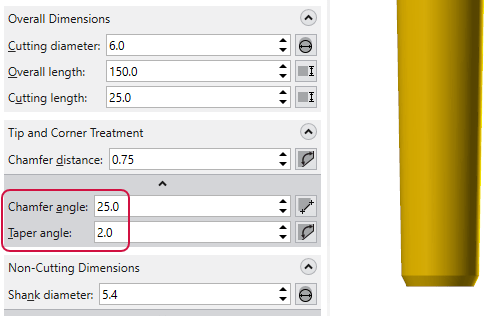
What if your digital tool models matched your real tools more closely than ever before? Mastercam 2027 introduces powerful tool definition enhancements that improve simulation fidelity, collision detection, and toolpath validation, helping programmers work with greater confidence and efficiency.
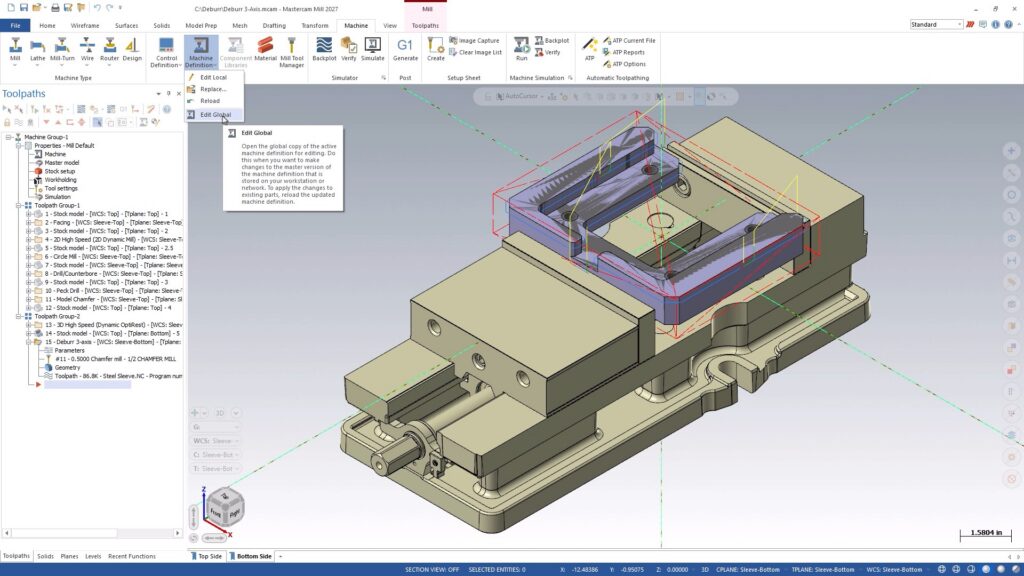
Building machine definitions just got smarter. Mastercam 2027 introduces a streamlined interface, integrated graphics-based editing, real-time validation, and stronger data protection, helping machine developers work faster, reduce errors, and maintain greater confidence in every setup.
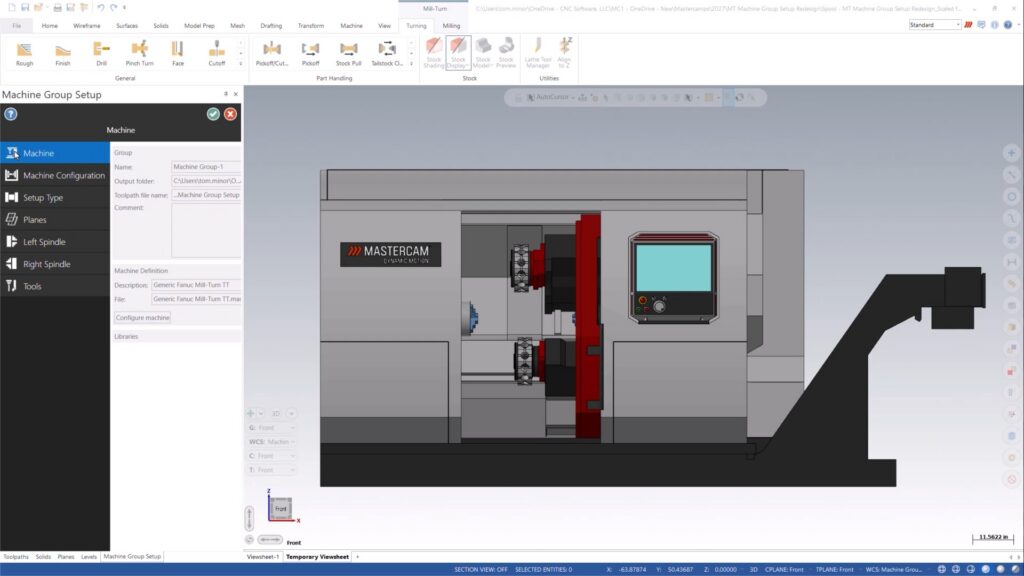
Mastercam 2027 brings a smarter, more visual Mill-Turn experience. Discover the redesigned Machine Group Setup, built-in machine visualization, and enhanced Component Library tools that streamline setup, improve navigation, and make machine management easier than ever.

Log-in to myMastercam to download or contact your Mastercam representative to learn more.
The first release of 2026 included advanced productivity tools like enhanced solid hole functionality and improved tool management. Check out the full list of features and capabilities that were included in Mastercam 2026.