EverPath Technology
Faster programming, fewer inputs, and a consistent workflow that works the same way for every toolpath you load.
What is EverPath Technology
EverPath Technology is the next generation of Mastercam software, built to make CNC programming faster, simpler, and more flexible.
Whether you are a seasoned programmer or just getting started, EverPath streamlines toolpath creation through intuitive controls, smart automation, and tools that adapt to how you work. You stay in control while the software handles complexity.
The result: less time programming, fewer errors, and a workflow that gets easier over time, even as your parts get more complex.

Consistent, color-coded workflow that works the same way for every toolpath you create.

No need to manually regenerate. Your toolpath updates in real time as you work through the workflow.

Switch between 3- and 5-axis motion to see different configurations and choose the best fit for your part.

User Assistance System delivers contextual, in-the-moment guidance directly inside the interface.

Episode: 1 – From Clicks to Cuts: Where EverPath Technology Saves Time in the Programming Workflow
Programming efficiency is one of the biggest challenges shops face every day. In this session, you will see how EverPath Technology is designed to reduce unnecessary inputs, streamline decision-making, and shorten the path from programming intent to usable toolpaths.
Join Jesse Trinque and Dylan Gondyke as they demonstrate how EverPath Technology’s guided workflow, real-time previews, and instant updates help eliminate the traditional adjust, regenerate, wait cycle. Through practical examples, they’ll show how programmers can spend less time navigating settings and more time focusing on machining strategy and results.
Programming that works the way you think
For manufacturers who need to program smarter and faster, the EverPath Technology delivers a modern CAM platform built for 2.5- to 5-axis machining and ready for what's next. Unlike legacy systems, EverPath cuts programming time through intelligent automation while giving you the flexibility to deploy on desktop or cloud, on your terms. EverPath beta is now available to all maintained Mill and Router customers.
Access Beta-
Get more done in less time
Fewer required inputs means you move through programming quickly without giving up control. Spend less time setting up and more time cutting.
-
An interface that gets out of your way
A clean, clutter-free layout minimizes interruptions and mental overlaod. Stay focused on the work, not the software.
-
See results as you work
Real-time previews update instantly as you make changes. Validate and adjust your toolpath with confidence before posting. No more adjust-regenerate-wait cycles.
-
Catch errors before machining starts
Real-time validation identifies potential issues as you program, cutting down on mistakes and preventing machine-time interruptions.
One Consistent Workflow.
Every Toolpath.
EverPath Technology uses a rule-based system that keeps you oriented at every step. No matter which toolpath you’re building, the structure is the same. Learn it once, use it everywhere.

Define what you’re doing and select your toolpath type.

Configure your environment before you cut.

Control how the tool moves through the part.

Adjust tolerances, canned text, coolant, and post settings.
Auto-Regenerating Toolpaths
EverPath’s editing environment gives you the kind of control that previously required starting over. Work directly on individual passes, adjust specific regions, and make changes that persist even when the source operation updates.
Toolpath Editing Environment
Comprehensive Editing Tools
Select any section of a toolpath and delete, trim, extend, or move it—the system automatically relinks the motion. Modify feeds and speeds in specific areas, add collision avoidance, change your leads, and much more.
Familiar CAD-like Interface
If you've used Mastercam's CAD tools, you'll feel right at home. Quick masks, direct selection, trim, delete, and transform all work the way you'd expect.
Consistent Controls
Advanced functions like tool axis control and collision modification use the same interface as toolpath creation—no extra learning required.
Volume-Based Editing
Use tools like Bounding Box to define a region, apply edits within it, and preserve those changes even when you modify the source operation.
Guidance Built-in, Not Bolted On
EverPath's User Assistance System (UAS) delivers contextual help directly inside the interface. No hunting through manuals. No switching to external PDFs. You get the information you need, right where you need it.
Watch Video-
Visual Explanantions
Animated visuals and embedfded videos show how parameters affect your toolpath
-
Parameter-Specific Tips
Context-aware guidance that reacts to the tab and component you're working in
-
Step-by-step Guidance
Step-by-step help panel walks you through unfamiliar workflows
-
Copilot Integration
Connected to Mastercam Copilot for AI-assisted answers and exploration


Frequently Asked Questions
EverPath Technology requires Mill/Router or Mill3D/Router3D. No Multiaxis license is required.
Yes. EverPath Technology will be available for free to all CONNECT (Maintenance) customers with supported licenses starting in Mastercam 2027.
No. EverPath Technology is supported only in Mastercam 2027 and newer.
EverPath Technology is currently running locally.
No. EverPath Technology is entirely in-house technology created and owned by Mastercam.
It can be, depending on part size and tolerances. Users can toggle constant calculation off while within a toolpath. A Pause button was introduced in Public Beta 2.
No conversion is necessary. EverPath Technology uses new toolpaths, and existing toolpaths remain unchanged.
EverPath Technology targets existing Mastercam-recommended system specifications, though large parts or tight tolerances may push limits.
Initial launch supports Mill and Router environments. Mill-Turn support is planned for a future release.
Yes. Some content will be available offline; however, offline content will be more limited compared to what is available online.
No conversion is necessary. EverPath Technology is a new toolpath suite with new toolpaths, and existing toolpaths are not affected.
Yes, EverPath Technology will launch with a public API for developers.
The SDK will likely not be fully available during the Beta period but will be available at launch.
No post updates should be required. EverPath Technology uses existing NCI conventions, with limited exceptions for custom posts.
No. There are no changes to the availability of existing toolpaths or licenses, including 3D HST and ModuleWorks.
Future UI options will allow users to select their preferred contact point.
THE EVERPATH DIFFERENCE
Fewer inputs, smarter defaults, and real-time feedback mean less time at the screen and more time cutting.
A consistent, color-coded structure for every toolpath. Learn it once, use it for everything.

Every toolpath is multiaxis-ready from the start. No barriers, no separate modules, no handoffs.
Real-time validation, instant previews, and contextual guidance help you get it right the first time.
MASTERCAM CONNECT USER? EVERPATH IS YOURS TO TRY. FREE.
The EverPath Technology beta is available at no additional cost for Mastercam CONNECT users with Mill, Mill 3D or Router licenses. Log in to myMastercam to download and start working with it today.
Not on CONNECT? Contact sales to learn how to gain access.
Latest Product News
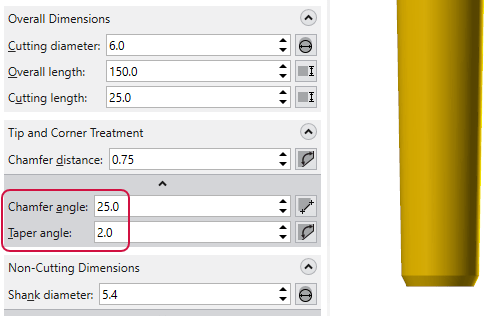
Tool Definition Enhancements in Mastercam 2027
What if your digital tool models matched your real tools more closely than ever before? Mastercam 2027 introduces powerful tool definition enhancements that improve simulation fidelity, collision detection, and toolpath validation, helping programmers work with greater confidence and efficiency.
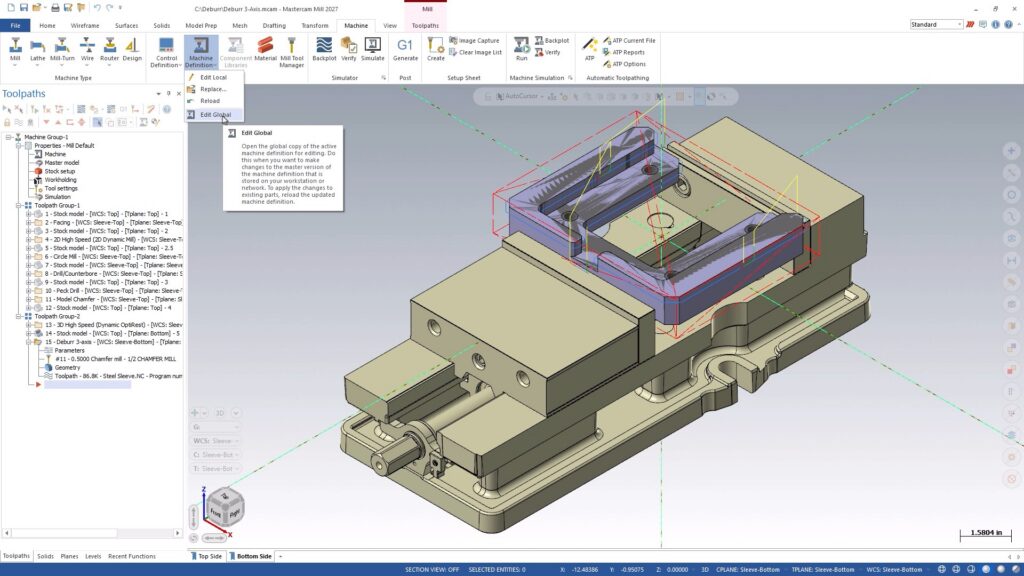
Mastercam 2027 Modernizes Machine Definitions
Building machine definitions just got smarter. Mastercam 2027 introduces a streamlined interface, integrated graphics-based editing, real-time validation, and stronger data protection, helping machine developers work faster, reduce errors, and maintain greater confidence in every setup.
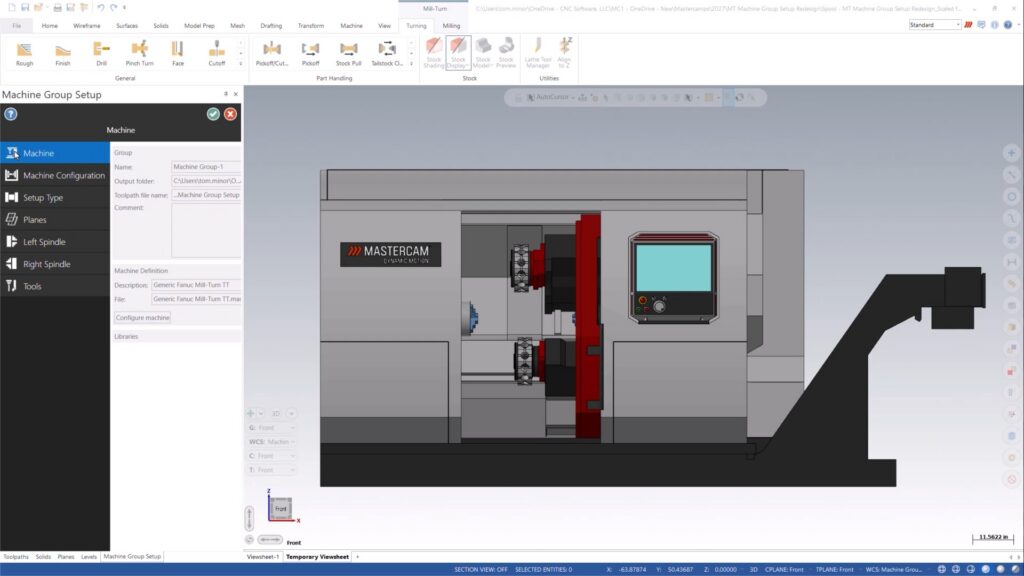
What is New in Mastercam 2027 for Mill-Turn Users?
Mastercam 2027 brings a smarter, more visual Mill-Turn experience. Discover the redesigned Machine Group Setup, built-in machine visualization, and enhanced Component Library tools that streamline setup, improve navigation, and make machine management easier than ever.