Mastercam products
Program your CNC mills with the world's leading CAD/CAM software, built for precision and efficiency.
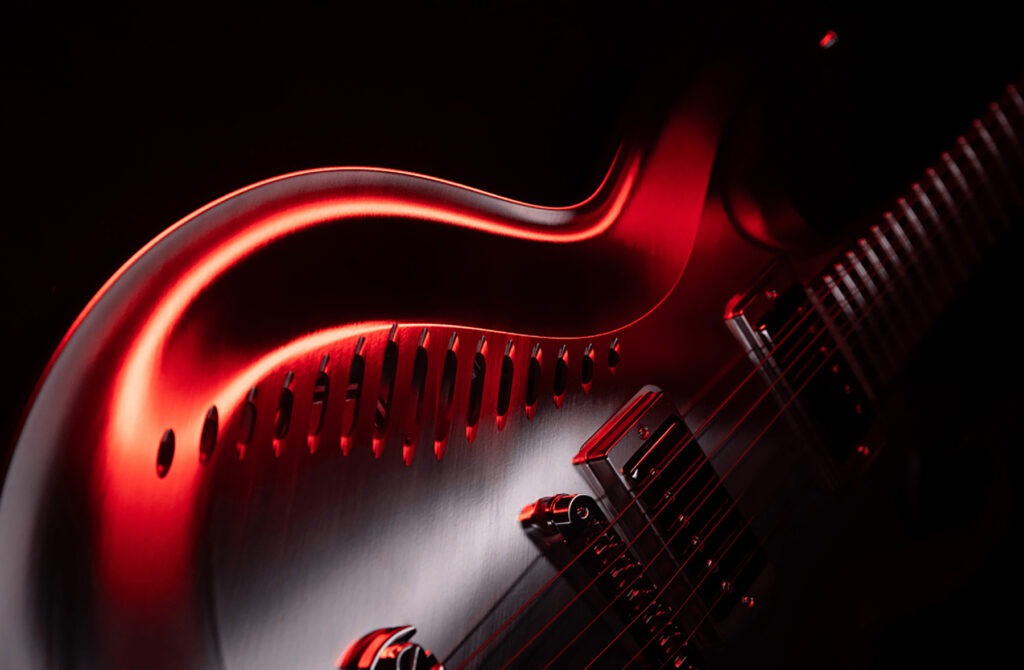
Mastercam 2026
Mastercam 2026 delivers superior machining performance with advanced productivity tools and AI-enabled CAM intelligence for Mastercam CONNECT users.
Core Products
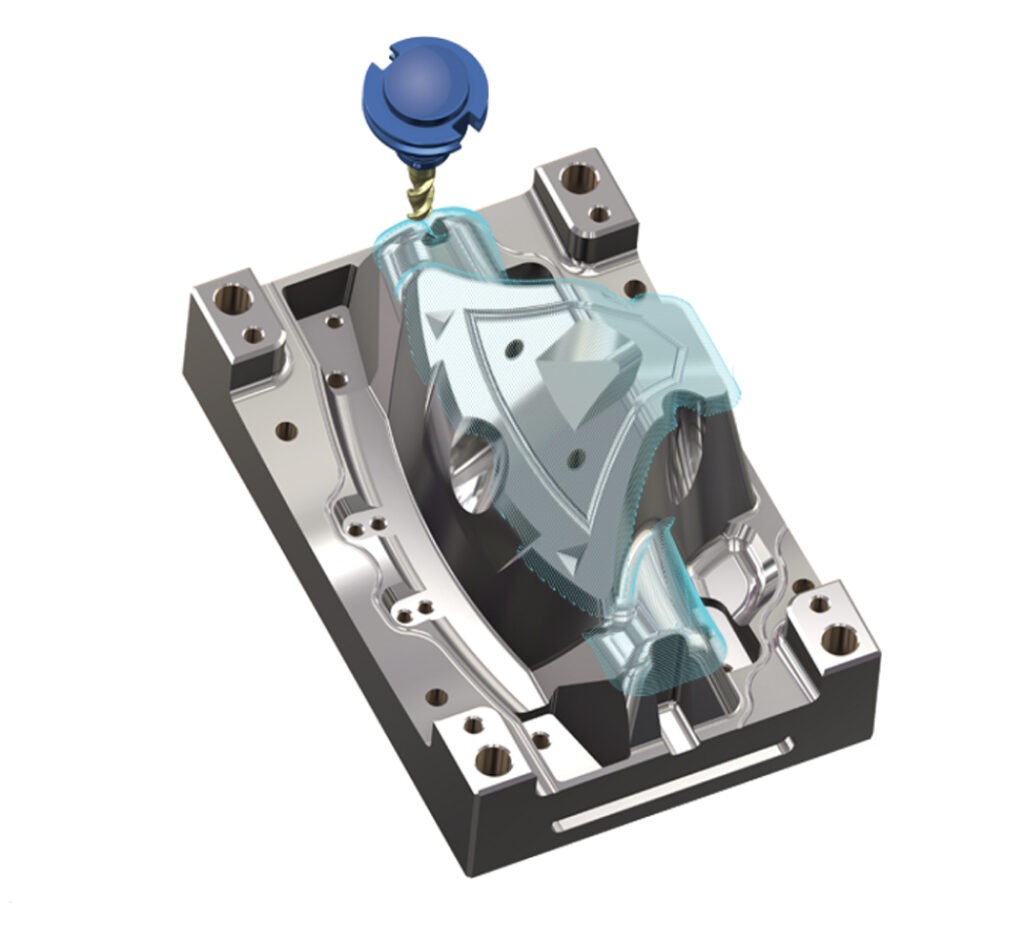
CNC Mill
Give your shop the best possible foundation for fast and efficient milling. From general purpose methods such as optimized pocketing to highly specialized toolpaths like 5-axis turbine cutting, with Mastercam Mill, your parts are produced faster, with greater accuracy, quality, and repeatability.
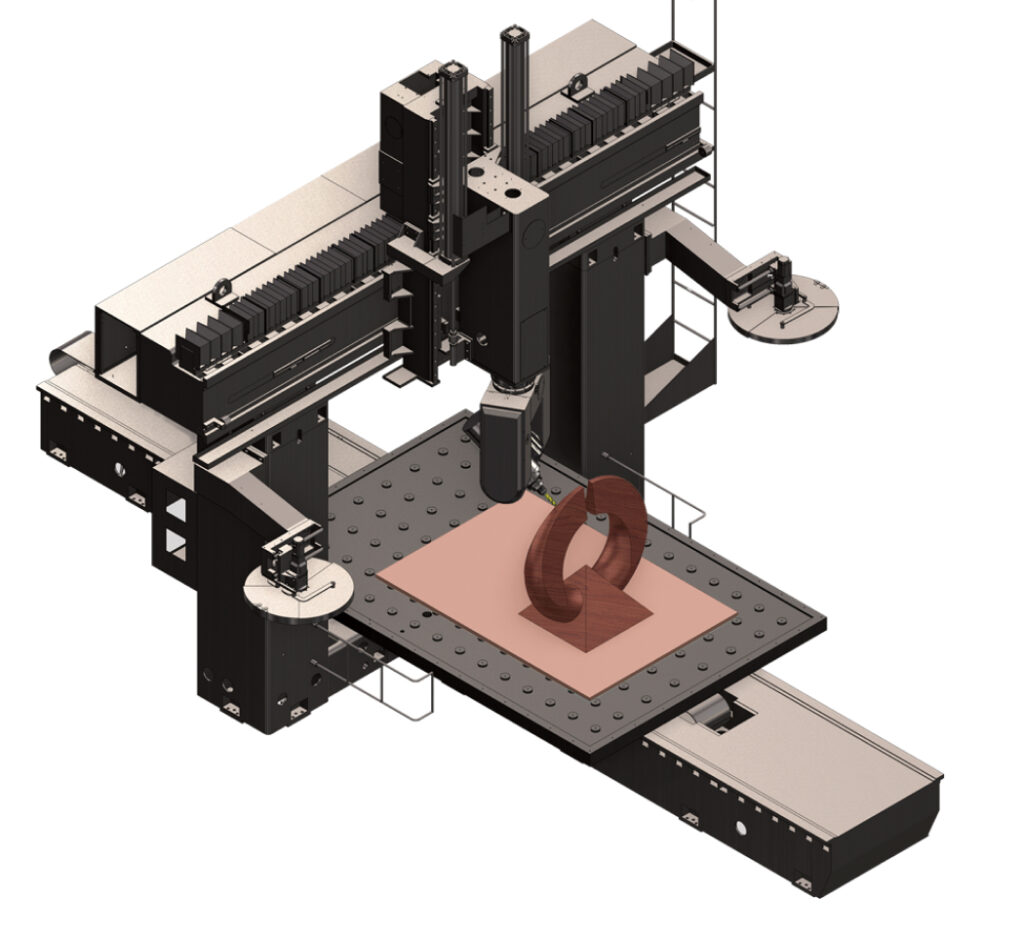
CNC Router
When you invest in a CNC router machine, you want the right router software driving it to maximize productivity and avoid downtime due to costly errors. Mastercam Router delivers the right tool exactly when you need it.
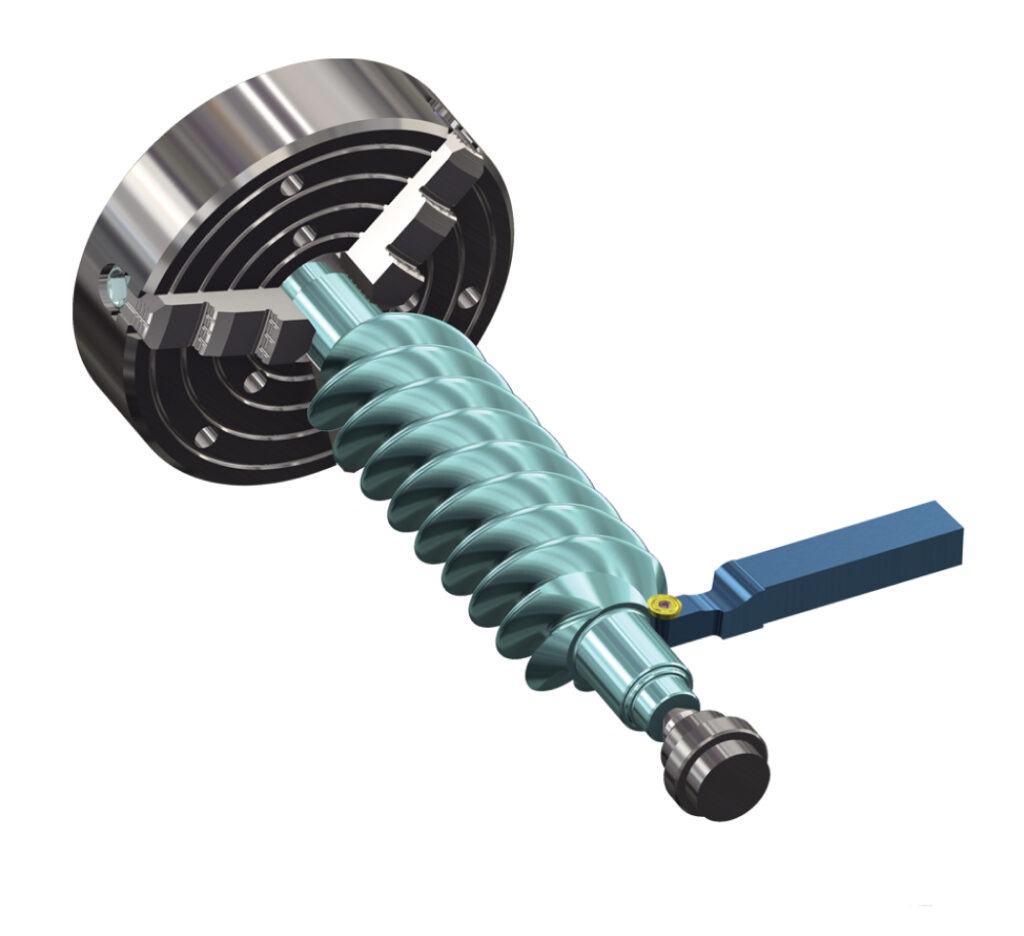
CNC Lathe
Our lathe cam programming software gives you a set of tools to turn your parts exactly as you need them. Mastercam Lathe provides easy roughing, grooving, threading, parting, boring, drilling, and finishing routines for increased productivity.
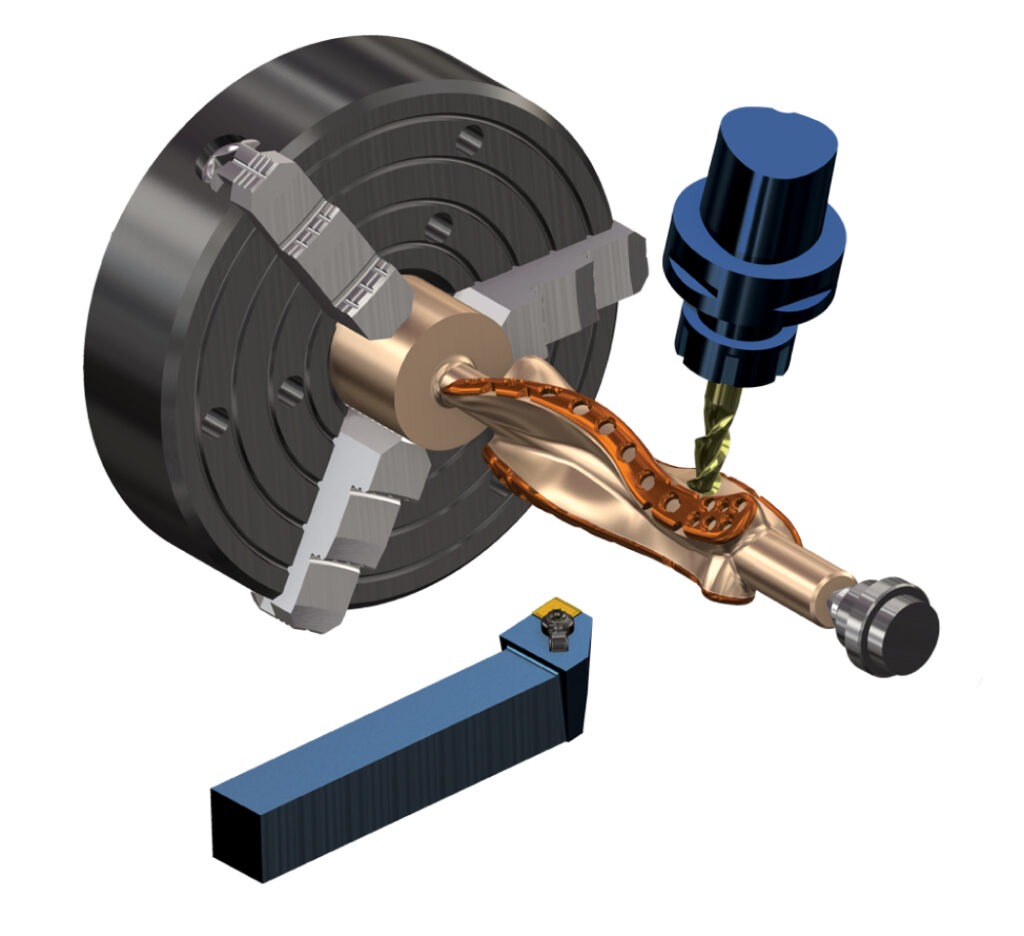
Mill-Turn
Mastercam Mill-Turn programming streamlines high-power multistream machine centers for increased performance and safety. These multitasking CNC machines reduce multiple setups, manual part handling, redundant fixturing, and idle time for improved productivity in manufacturing.
Swiss
You no longer need a separate software package for CNC Swiss machines — something programmers and machinists appreciate. Give your shop the convenience and precision of Mastercam Swiss Machining Solutions for gang-style machines and select gang-turret and B-axis machines.
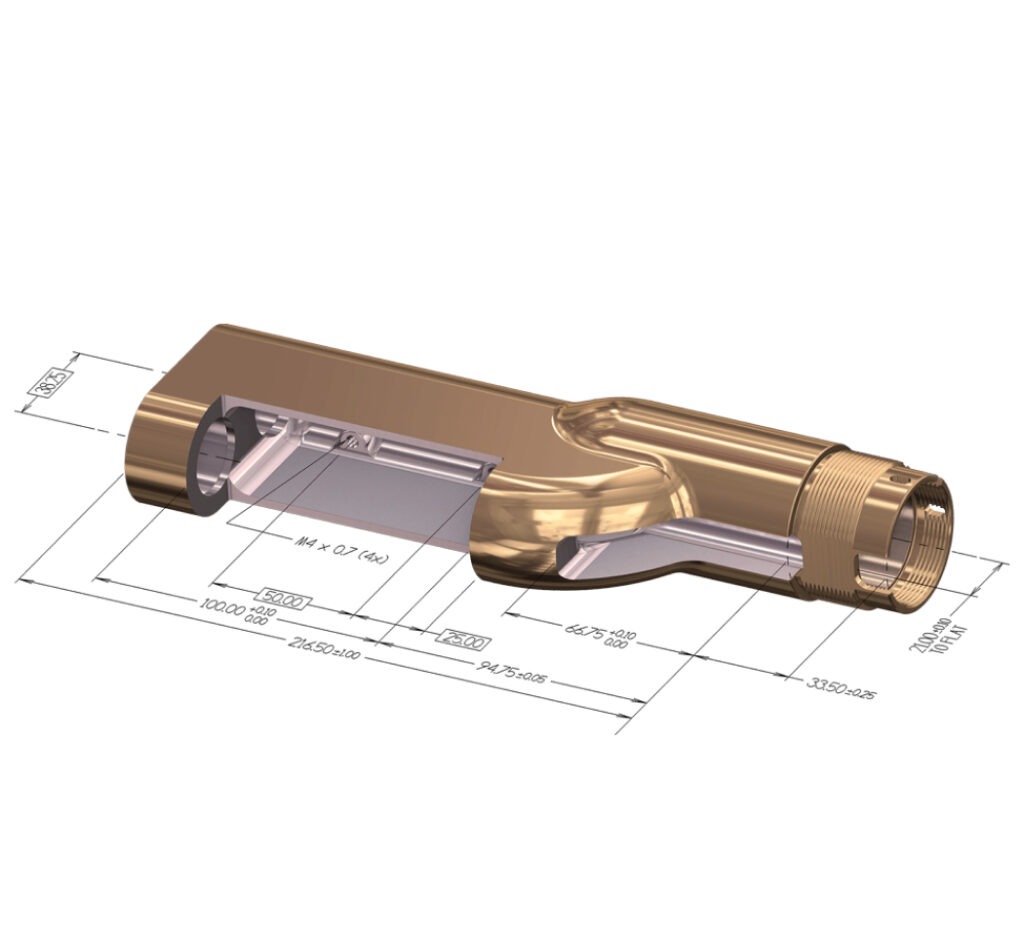
Design
Mastercam Design is a computer-aided design solution that simplifies the creation of even the most complex parts with a robust suite of CAD tools. Design is included with Mastercam’s suite of CAM solutions. It is also available as a standalone product.
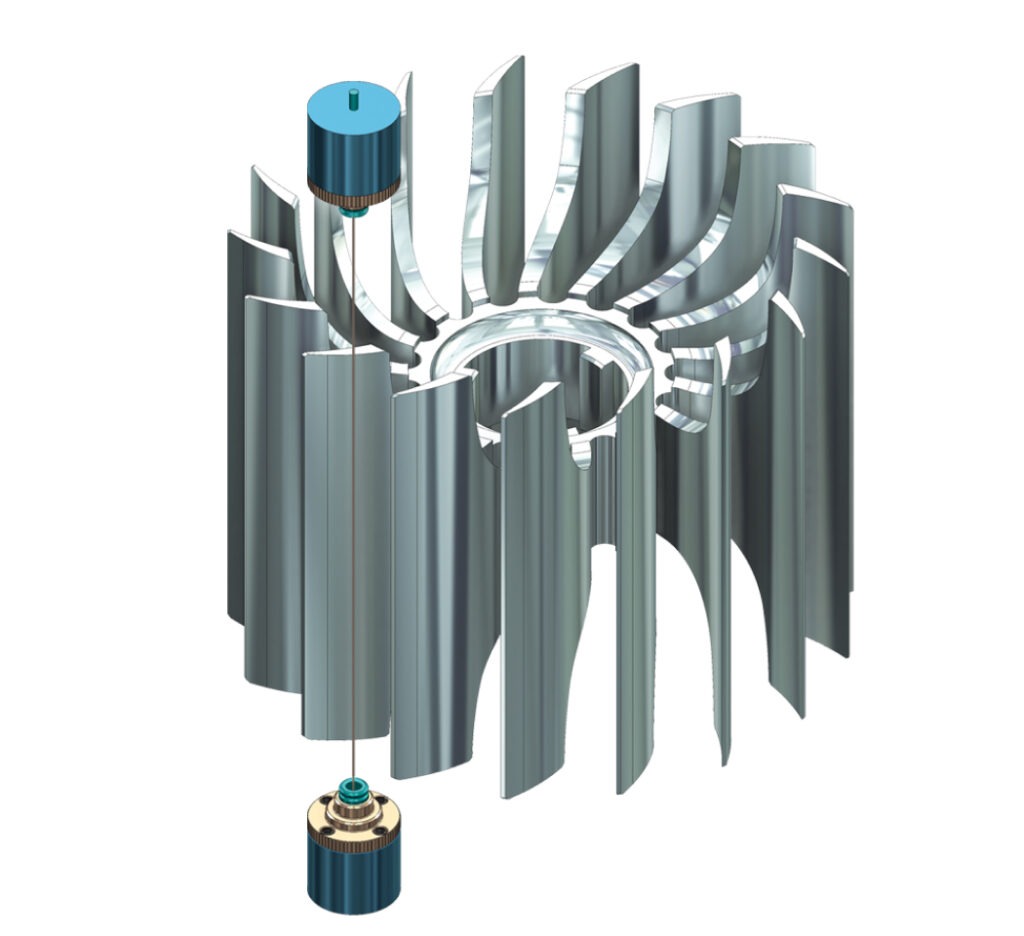
Wire
Fast, easy, and productive—the way programming should be. Mastercam Wire is a solution for programming CNC Wire EDM machines.

Educational Suite
Our CAD/CAM software solutions are bundled and priced at deep discounts for schools to incorporate the world’s leading CAM software into their curricula—with all the functionality of the industrial versions of these products included in the Mastercam Educational Suite.
Free Learning Edition
Mastercam Learning Edition is free CAD/CAM software download for demo and educational purposes. It is a trial version of Mastercam that can be used to learn at home.
Core Technologies
Dynamic Motion
Dynamic Motion optimizes cutting movements to extend tool life, speed up production, and protect your machines—watch the videos to see it in action.
Mastercam Copilot
Intelligent assistance. Simplified workflows. Mastercam Copilot is your AI-powered assistant designed to streamline CNC workflows, enhance usability, and simplify feature discovery. With intelligent, conversational guidance, it helps users navigate Mastercam faster and more intuitively. Three powerful functions, one seamless experience Contact your Mastercam expert Complete the form to get in touch with your local Mastercam…
Related resources
Mastercam is the #1 CAM used around the world in a variety of manufacturing industries. From aerospace to automotive and education to energy, Mastercam tackles challenging productivity demands.
Build your comprehensive CAD/CAM solution with Mastercam. Enhance your productivity with a variety of specialized Add-Ons for your specific machining needs.
Mastercam partners with top CAD/CAM software integration experts in the manufacturing industry, so you can choose from complementary software tools, hardware, and more to boost your bottom line with a complete manufacturing solution.
Mastercam offers several plug-in post processor solutions for converting generic CAM system output to Mastercam-specific NC code.
Mastercam CAD/CAM Software Success Stories
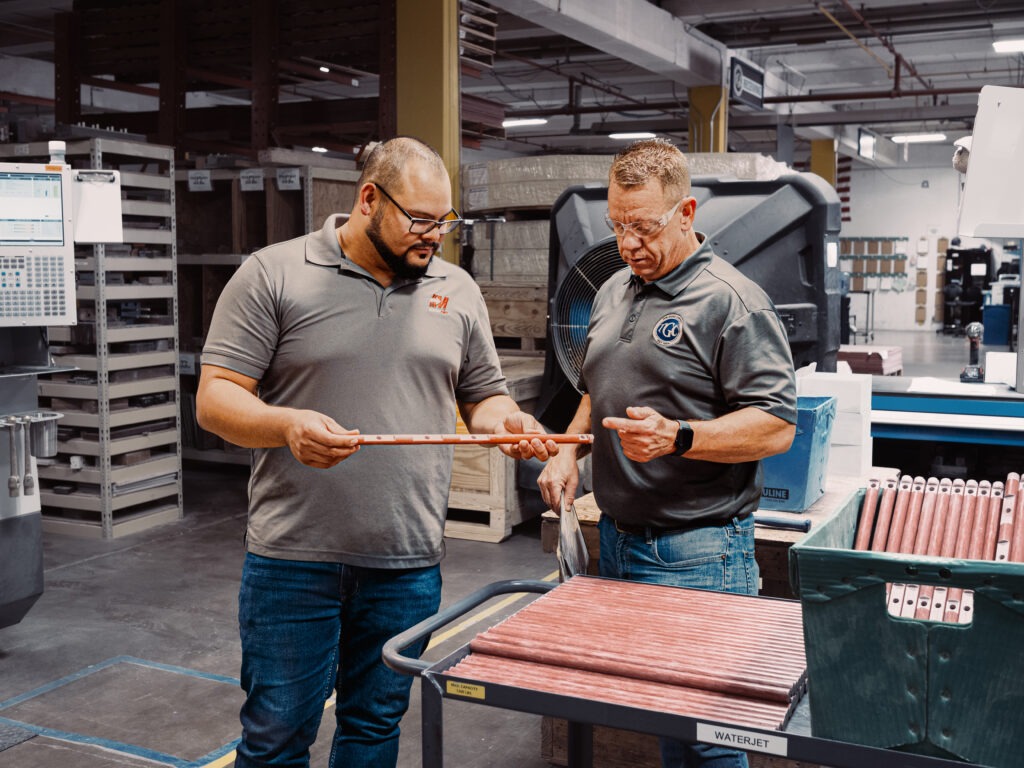
People-First Manufacturing: How The Gund Company Builds Excellence Across North America
The Gund Company empowers employees across multiple North American facilities through innovative visual management systems and strategic CAM technology investments. By prioritizing people first, they've built a culture where workers drive daily improvements while programmers deliver quality programs efficiently—proving that manufacturing excellence starts with taking care of each other.
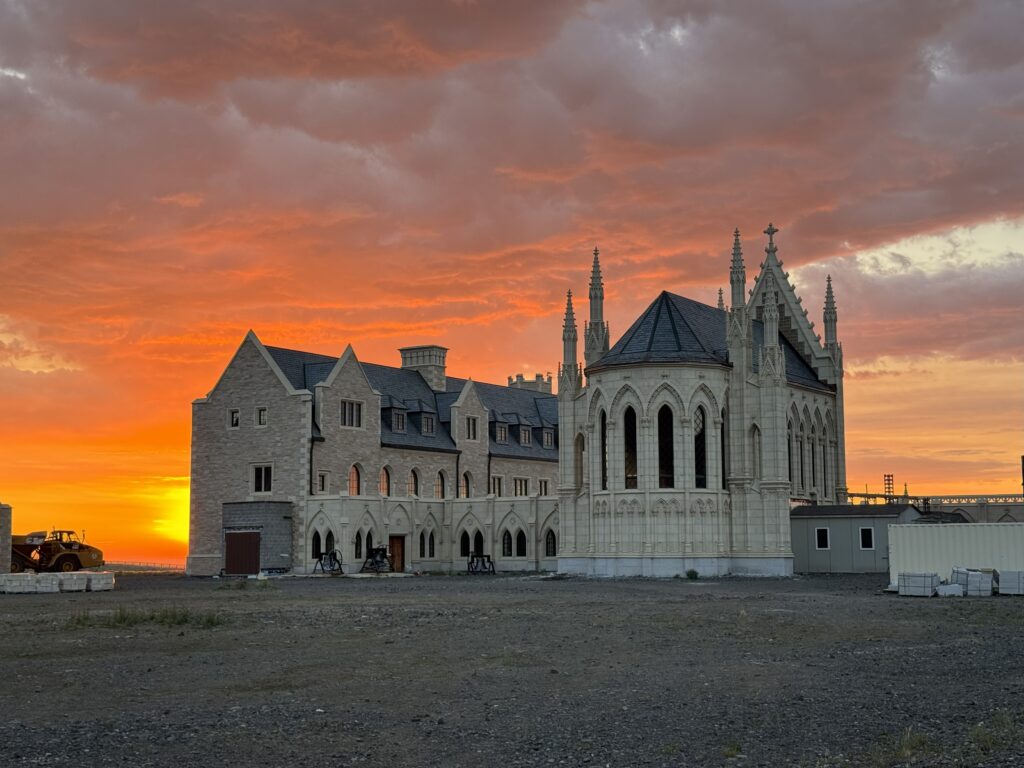
Gothic Architecture Powered by Mastercam
Over the sound of Gregorian chants, a CNC machine hums with purpose. High in Wyoming's mountains, Carmelite Monks are building a medieval monastery with their own hands. Lacking formal training, they embraced modern tools and found a divine partner in Mastercam.
CAD/CAM Software FAQs
CAD/CAM software combines computer-aided design with computer-aided manufacturing in one system. CAD tools let you create or import precise digital models of parts. CAM tools then convert those models into toolpaths and G-code that CNC machines follow to cut, drill, mill, or shape material.
This integration removes duplicate steps and reduces errors by linking design directly to production. You can move from concept to machine programming quickly, preview operations with simulation, and verify toolpaths before cutting. The result is faster setup, better material use, and accurate parts across prototypes and production runs.
With Mastercam, you design, program, and check every operation in a single environment. The software streamlines workflows, protects equipment, and helps manufacturers deliver consistent, high-quality results.
CloseCAD and CAM serve different roles in manufacturing, but they work best together. CAD focuses on creating precise digital models of parts. It gives engineers and machinists the tools to define geometry, dimensions, and features before production begins.
CAM takes that design data and generates the toolpaths and G-code that a CNC machine uses to cut the part. It controls tool movement, spindle speeds, feeds, and machining strategies to produce the physical component.
In short, CAD defines what the part looks like, while CAM defines how to make it. Mastercam combines both in one platform, so shops can design, program, and verify every job without switching systems.
CloseMost professional CAD/CAM software requires a paid license because it includes advanced features, support, and regular updates for manufacturing environments. However, Mastercam offers a trial copy of Mastercam Learning Edition that you can download for demo and educational use. This trial version gives you access to the same CAD/CAM tools found in the full platform, so you can practice programming, explore toolpaths, and learn workflows without risk.
The best CAD/CAM software depends on your shop’s size, industry, and production needs. Some companies focus on advanced design features, while others need specialized toolpaths, simulation, or automation to support complex machining. The right choice should balance ease of use, flexibility, and accuracy while also scaling as your projects grow.
Mastercam stands out because it combines powerful CAD tools with proven CAM strategies in one platform. It supports everything from simple 2D parts to advanced multiaxis machining, with built-in verification and optimization tools that reduce errors and save time. Backed by decades of industry leadership and a global support network, Mastercam gives manufacturers a reliable and efficient solution for both design and production.
CloseThe price of CAD/CAM software depends on the features included, the type of machines it supports, and how many licenses you need. Basic 2D design and programming tools are usually less expensive, while advanced packages with multiaxis machining, automation, and simulation capabilities cost more. Educational licenses and training bundles are often discounted to make the software accessible to schools and students.
Most providers tailor pricing to the size of the shop, the number of users, and the level of support required. Because of these variables, the best way to understand cost is to request a customized quote based on your equipment and production needs.
CloseThe best CAD/CAM software for manufacturing is the one that fits your specific processes, machines, and production goals. A small shop may prioritize ease of use and fast setup for simpler parts, while a large manufacturer may need advanced multiaxis strategies, automation, and simulation to handle complex production at scale. The ideal solution should reduce programming time, improve accuracy, and integrate smoothly with your existing equipment.
Many manufacturers choose Mastercam because it offers proven CAM strategies, powerful CAD tools, and a single environment for design, programming, and verification. It supports everything from prototyping to high-volume production, giving shops of all sizes the flexibility and reliability they need to stay competitive.
Close