Skip to content

lathe icon CNC Lathe Programming Software

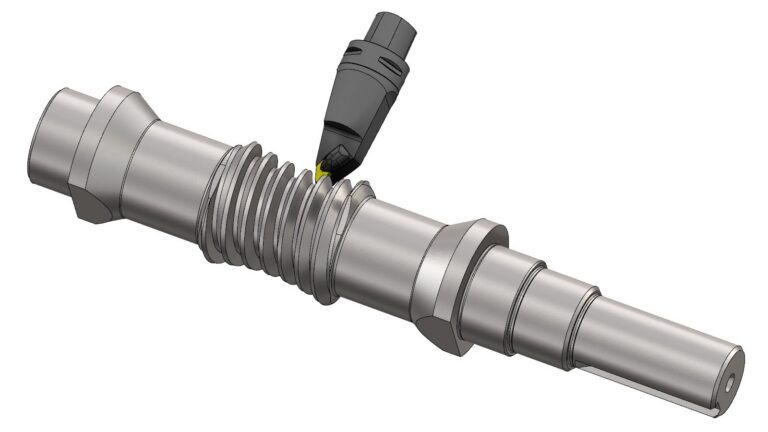
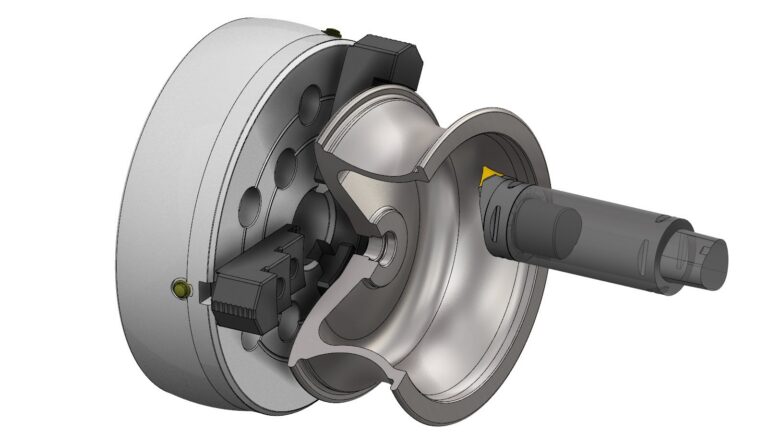
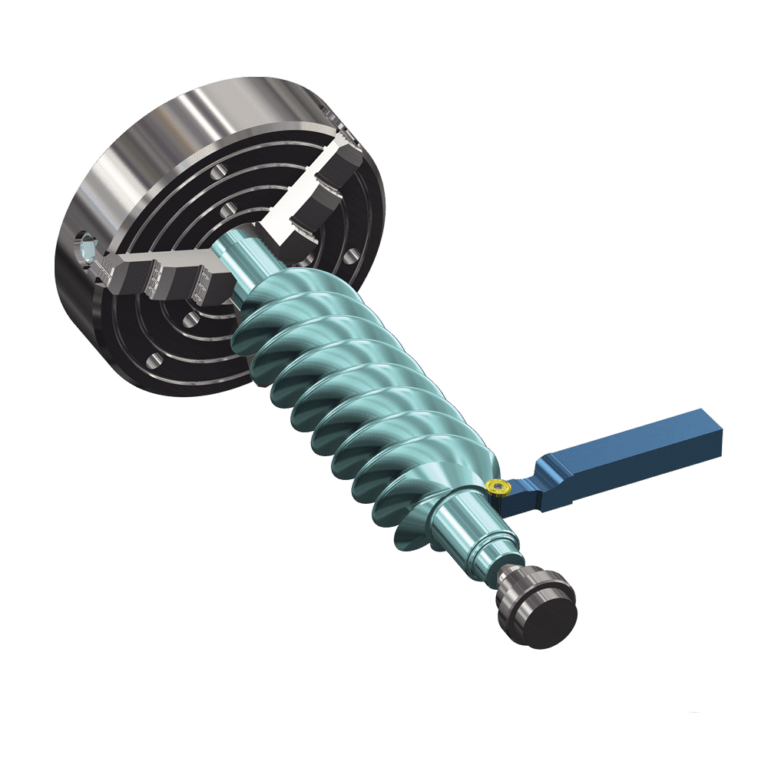
Our Lathe CAM programming software gives you a set of tools to turn your parts exactly as you need them. Mastercam Lathe provides easy roughing, grooving, threading, parting, boring, drilling, and finishing routines for increased productivity.

Product Overview

Mastercam Lathe

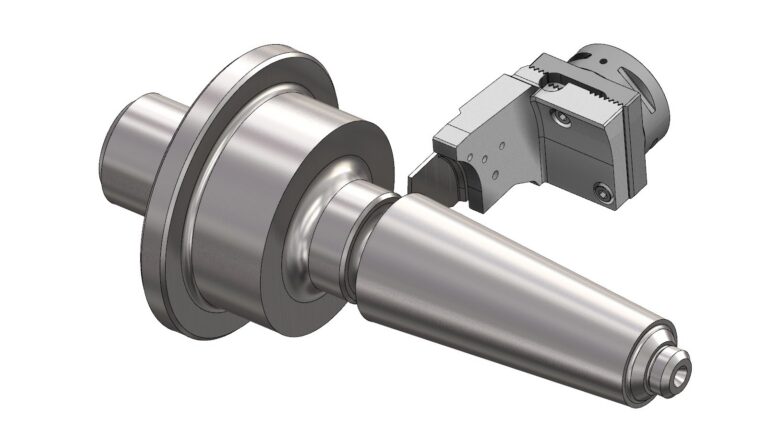
Mastercam Lathe also delivers a set of C-axis programming tools, with greatly expanded options when combined with Mastercam Mill, such as face contour and drilling and cross contour and drilling.

  • Integrated CAD for CAM provides a powerful set of tools for creating and manipulating wireframe, surfaces, STL, and solids data including MBD information (with select translators).
  • Advanced toolpath strategies turn parts with greater efficiency and precision.

More people use Mastercam than any other CAM software. From CAD inception to the creation of a final machined part, Mastercam is designed as a comprehensive solution for manufacturing efficiency.

  • Full 3D CAD modeling.
  • Context-sensitive help available from all dialog boxes.
  • Powerful Multiaxis tool motion.
  • Mill-Turn for Lathe.
  • Quick toolpath functions let you program basic parts with just a few clicks.
  • Easy roughing, finishing, threading, grooving, boring, drilling, and cut off.
  • Intelligent, stock-aware toolpaths.
  • Robust 3D solids and surface machining.
  • Complete tool library and custom tool support.

CNC Lathe Programming Features

Efficiency

Quickly translate geometry and create a part transfer operation from the main spindle to sub spindle and/or a bar pull operation prior to a cutoff toolpath.

Intelligent ID and OD Roughing

Includes roughing to a boundary for castings.

Live Tooling

Machine any job with the combined power of C- and Y-axis machining.

Tool Inspection

Automatically stop machining to check the insert during your roughing, finishing, and grooving operations

Powerful CAD

Open virtually any CAD file in Mastercam to access modeling and prep tools for CAM programmers to get parts on and off machines quickly.

Accelerated Finishing™

Take advantage of innovative profile tools and processes aimed at greater efficiency and higher machining productivity.

3D Tooling Support

Available in Mastercam Lathe, Mill, and Mill-Turn.

Toolpath Verification

Get the confidence to run the most complex toolpaths on your machine and ensure your parts are done right the first time.

Dynamic Motion™

Extend tool life with proprietary toolpath strategies that maximize material removal rate and reduce cycle times.

Trial Software

Give the world’s #1 CAM software a test drive. Download the Mastercam Learning Edition at no cost. Use it to learn Mastercam and get familiar with the latest advances in CAD/CAM—every step of the way up to actually machining a part!

Software Add Ons

CNC Machining Success Stories View all

CNC Lathe Programming Software

3D-Machine, Inc.

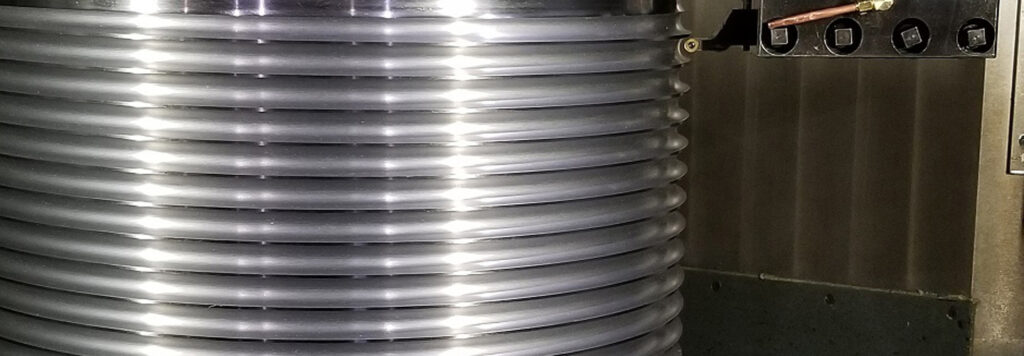
Before using Mastercam Lathe Custom Thread toolpath, producing a hoist drum—including machine set up, tooling, and machining—took at least 40 hours. With the CAM toolpath, 3D-Machine, Inc. produced the part in just seven hours.

CNC Lathe Programming Software

Achates Power

Achates Power in San Diego, California, uses Mastercam to create prototype parts for an eco-friendly, gasoline compression ignition, opposed-piston engine. The collaborative research was the work of Achates, Argonne National Laboratory, and Delphi Technologies. It was produced using funding from the U.S. Department of Energy’s ARPA-E program.

Mastercam Community

When you choose the world’s most widely used CAM, you gain benefits beyond the technology driving our software. Our global community of Mastercam users, experts, educators, and enthusiasts helps you get the most from your investment.

man wearing a headset typing on a desktop computer

Get Started with the Best CNC Lathe Programming Software

Ready to get started? Connect with your Mastercam representative today.

CNC Lathe Programming FAQs

CNC lathe programming software is used to create toolpaths through G-code to operate computer numerical control (CNC) lathe machines. This allows for machine automation, where the machine cuts a part to the specifications of the input code.

Close

Some lathes are equipped with the ability to do limited milling, and some shops modify their lathes to do light milling. In general, parts that combine both techniques are better suited for separate action on dedicated lathes and mills, or in one setup on a mill-turn machine.

Close

A CNC lathe is generally used to cut roughly cylindrical parts where the outline of the shape is symmetrical when rotated 360 degrees around a central axis. Some lathes allow additional non-symmetrical cutting with drills, endmills, and other milling tools.

Close

Mastercam produces CAD/CAM software with industry leading functionality for CNC lathes. The way to get this software is through your local Mastercam Representative. Your local Mastercam Representative will be able to help you choose the best CAD/CAM package for your specific needs. In addition, they will provide ongoing sales, service, and technical support to help you optimize the productivity of both your CNC lathes and shop at large.

Close

CNC lathe programming software eliminates manual errors that can occur when a part is programmed by hand. It eliminates the need to perform complex mathematical equations for cutter control and allows quick adaptation to new parts.

Close

CNC software is the general term for programs that create and manage instructions for computer numerical control machines. It covers the full range of CNC equipment, including mills, routers, lathes, and multi-axis machines. CNC software helps users design parts, generate toolpaths, and output G-code that directs the machine’s movements.

CNC lathe programming software is a focused category within that broader group. It is designed specifically for lathes and turning operations, where parts are rotated against a cutting tool. This software provides specialized routines for roughing, threading, grooving, boring, and drilling while also supporting advanced options like live tooling, C-axis work, and mill-turn integration.

The key difference is scope. CNC software applies to many machine types, while CNC lathe programming software targets the unique requirements of cylindrical parts and lathe operations.

Close

Lathe CAM programming software refers to the computer-aided manufacturing tools that generate toolpaths for a CNC lathe. The software creates, simulates, and verifies machining strategies such as roughing, threading, grooving, and drilling. It gives machinists a graphical interface to design operations and automatically produces the G-code that runs on the machine.

CNC lathe programming is the process of writing or using G-code to control the lathe directly. It defines how the cutting tool moves, what spindle speeds to use, and when tool changes happen. In short, CAM software makes programming faster and more visual, while CNC lathe programming is the actual set of instructions that drives the machine.

Close

The best CNC lathe programming software should give you the flexibility to handle standard turning operations while also supporting advanced strategies for more complex jobs. It should reduce errors, improve efficiency, and make programming more reliable. Look for: 

  • Toolpath flexibility: Program roughing, threading, grooving, boring, drilling, and cut-off with ease, while also supporting advanced options like live tooling, C-axis motion, and mill-turn programming.
  • Intelligent ID and OD roughing: Cut to boundaries more effectively, which is especially useful when working with castings.
  • Verification and simulation: Preview toolpaths, check for collisions, and confirm accuracy before running code on the machine.
  • Tool inspection: Automatically pause machining to check inserts during roughing, finishing, or grooving operations, protecting part quality.
  • Efficiency tools: Use Dynamic Motion toolpaths, integrated CAD for CAM, accelerated finishing, and 3D tooling support to shorten cycle times and streamline workflows.

With these features in place, CNC lathe programming software helps you save time, cut costs, and maintain consistent part quality across every job.

Close

The best CNC lathe programming software depends on what you need from your shop. Small operations may prioritize ease of use and quick setup, while larger manufacturers often look for advanced features like live tooling, mill-turn integration, and simulation tools that reduce errors. The right choice also depends on the materials you cut, the complexity of your parts, and how much automation you want in your programming workflow.

For most shops, the best option is software that balances flexibility with efficiency. It should handle standard turning operations, support advanced strategies, and give you verification tools that save time and protect your machines. That combination helps you improve productivity while keeping part quality consistent.

Mastercam Lathe provides this balance by combining easy-to-use programming tools with advanced options like C-axis machining, live tooling, and mill-turn integration. It also offers verification, simulation, and dynamic motion strategies that help shops cut faster while reducing errors. With these capabilities, shops can take on everything from simple parts to complex production with confidence.

Close

The easiest CNC software to learn is the kind that lets you get started without a steep learning curve. A simple interface, ready-to-use tool libraries, and guided workflows make it much easier to set up parts and create toolpaths. Simulation adds even more value because you can watch the program run on screen before you cut any material.

How easy it feels will also depend on what you’re trying to do. For example, shops and schools usually look for software that starts simple but can also handle advanced work as users build experience. Having training resources and a strong user community makes the whole process smoother.

Close