Featured Stories
Discover Six Powerful Ways Mastercam CONNECT Will Transform Your Workflows with Leading Technology and Expert Support
In today's fast-paced manufacturing environment, staying ahead of the curve requires more than just software—it demands a comprehensive, connected approach. Mastercam CONNECT is your gateway to leading technology, expert support, and a wealth of resources designed to elevate your operations. By leveraging Mastercam CONNECT across your workflows, you unlock the critical solutions necessary to drive innovation, maximize productivity, and optimize performance in your mission-critical tasks.…
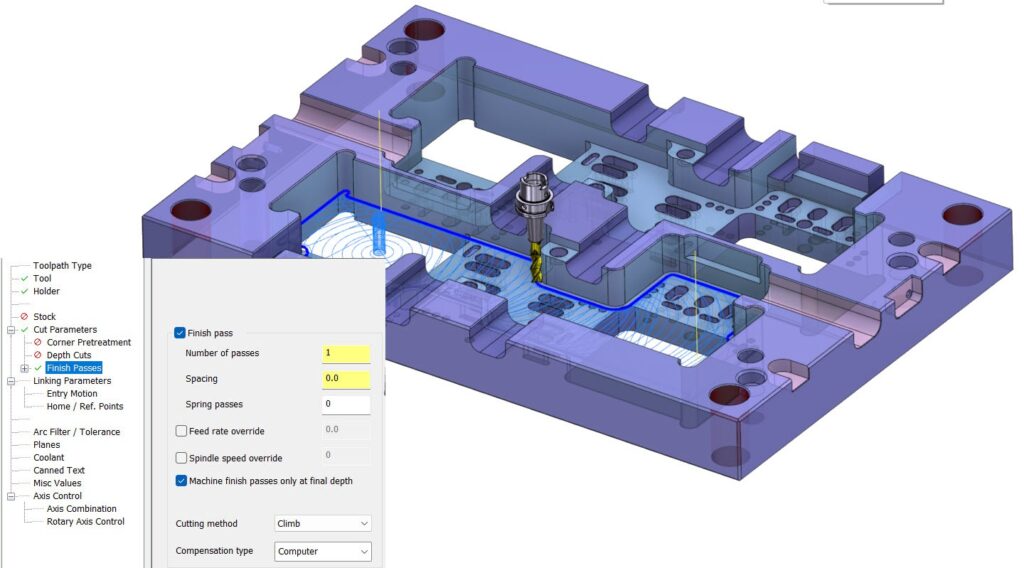
Mastercam 2025: Enhancing Dynamic Toolpaths with Finish Passes
In the fast-paced world of manufacturing, efficiency is key. Mastercam’s Dynamic toolpath functionality has long been a beacon of innovation, helping machinists reduce cycle times, extend tool life, and lessen wear and tear on their machines. With the release of Mastercam 2025, this game-changing toolpath motion has received a significant upgrade with the introduction of finish passes. This new feature promises to take your machining…
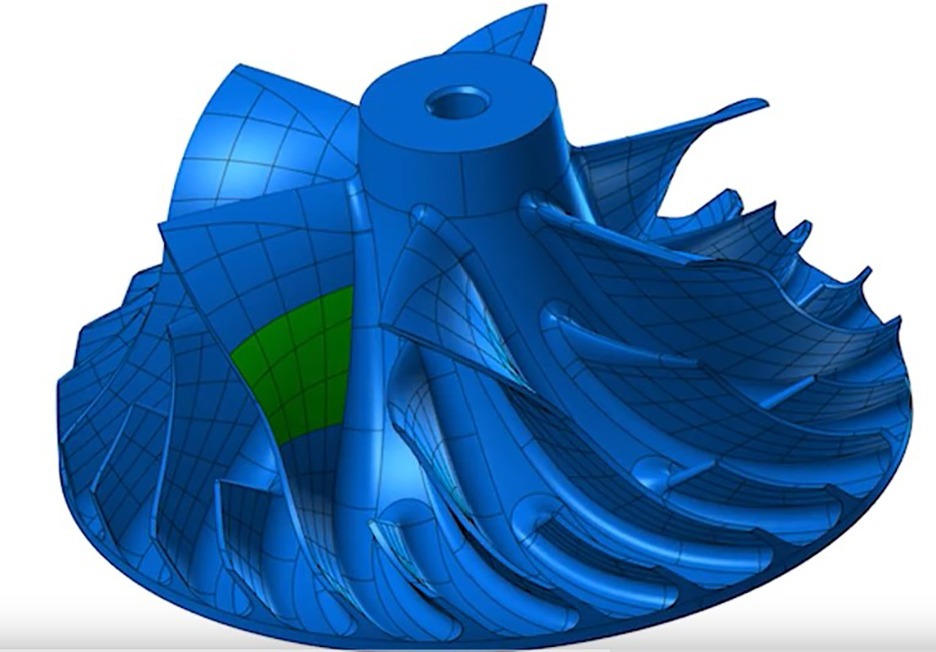
7 New CAD Features to Explore in Mastercam 2025
Mastercam Design is a computer-aided design solution that simplifies the creation of even the most complex parts with a robust suite of CAD tools. Mastercam 2025 is here and elevates your machining experience with powerful toolpaths, flexible tool motion, and our most intuitive interface yet. Here are some top CAD features—and how they can help your shop. 1. Analyze Deviation The engines that individual CAD…
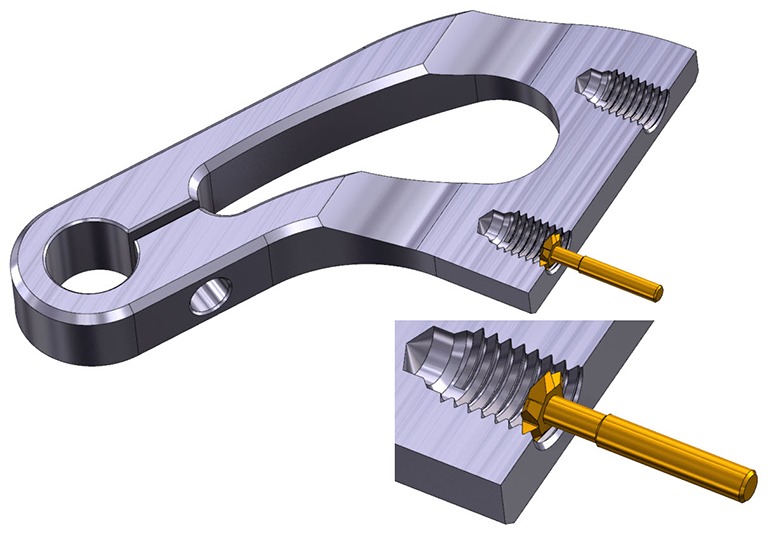
Explore the Latest Milling Enhancements in Mastercam 2025
Mastercam Mill is fully associative CAD/CAM for 2 1/2- to 5-axis machining and delivers streamlined mill programming and toolpaths powered by Dynamic Motion® technology. Mastercam 2025 is here to elevate your machining experience with powerful toolpaths, flexible tool motion, and our most intuitive interface yet. Here are some top Milling features—and how they can help your shop. 1. Mastercam Deburr We are excited to announce…

10 Mastercam 2025 Features You Need to Know
Mastercam 2025 is here to elevate your machining experience! With feedback from users and shops worldwide, we built upon our past advancements and are excited to bring you our most intuitive interface yet. Increase your machining performance and reduce overall production costs with powerful toolpaths, turning enhancements, and more. Here are the top 10 new Mastercam 2025 features – and how they can help your…
Mastercam 2025 Public Beta: 3 Features to Explore
The Public Beta program for Mastercam 2025 is now available! Here's a look at how to participate in our Public Beta program and the top new features we are most excited for you to try in Mastercam 2025 Public Beta. How to Access Mastercam 2025 Public Beta If you're a Maintenance user, you can log in to your Mastercam account and download the free Public…
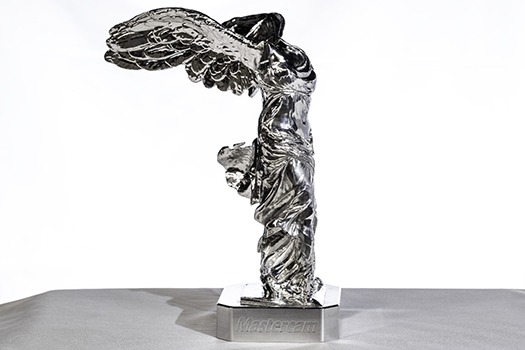
A Closer Look: Creating the Nike of Samothrace Statue
The Winged Victory or Nike of Samothrace is a statue prominently featured in The Louvre Museum in Paris, France. Mastercam recently teamed up with YASDA Precision, Mitsubishi Materials, and Methods Machine Tools to create an 11-inch replication of the famed 18-foot statue. Within Mastercam, the statue is a mesh file with over five million facets and was 10 gigabytes in size. Mastercam took the part…

A Closer Look: Creating the Mastercam Gingerbread House with Hermle
Mastercam proudly teamed up with our partners at Hermle to create a gingerbread house to celebrate the winter holiday season. When we approached Hermle with the idea of creating this festive piece, Kyle Brunner, Senior Applications Engineer at Hermle, was excited to get started and said the gingerbread house “belongs on a Hermle.” Working with Chad Chmura, Sales Engineer II at Mastercam, Kyle decided it…
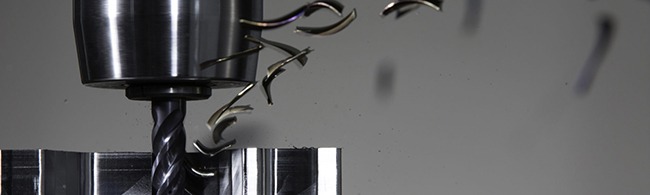
What is Dynamic Motion and Should I Be Using It?
Dynamic Motion technology powers numerous toolpaths within the Mastercam solutions lineup. Essentially, Dynamic is a nuanced and meticulous set of proprietary algorithms that optimize machining. One subset in the Dynamic family is 2D Dynamic. Use this blog as a guide to what it is, how it works, and how it could benefit you. What is 2D Dynamic? 2D Dynamic is a function within the Mill…
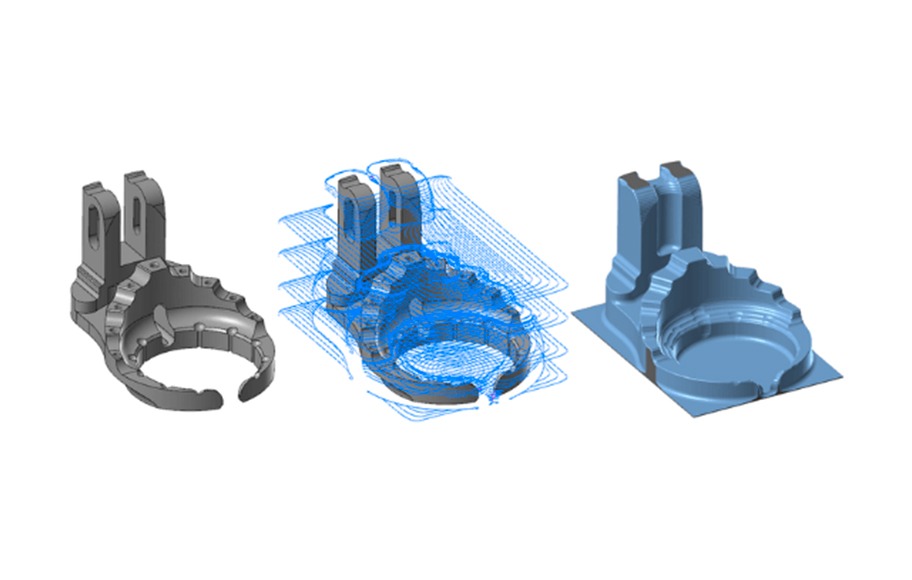
OptiRough: The Roughing Solution You Might Be Overlooking
OptiRough is an advanced roughing strategy powered by Dynamic Motion technology, which is designed to optimize cutting approaches. The way Dynamic Toolpaths works is by monitoring every aspect of machining in real-time; it is constantly calculating the best feeds and angles to run parts the fastest and safest way possible. The only downside to OptiRough is that not every programmer knows about it, and some…
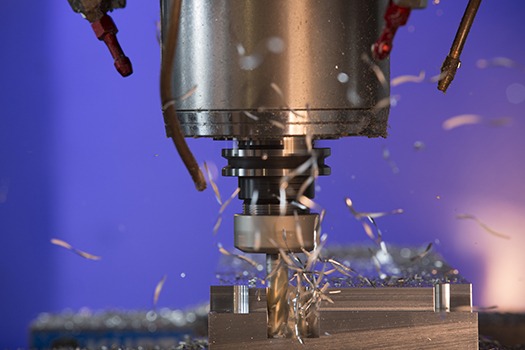
2D vs 3D Machining
If you were to ask what the difference is between 2D and 3D machining, you’d likely get the stock reply of “2D machining works in two axes, and 3D works in three.” It’s an accurate answer, but not much else. So, what does that really mean and when should you use one or the other? Follow along this blog to learn more about 2D and…
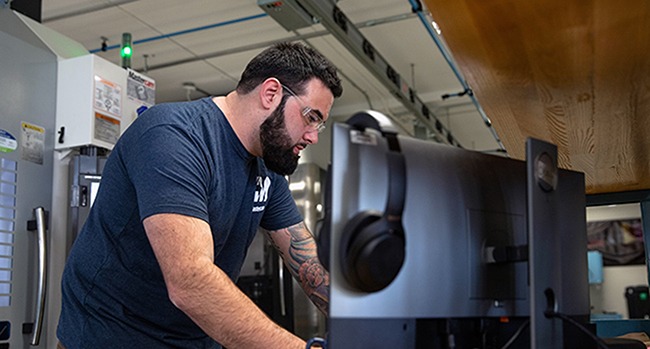
6 Tips to Streamline Workflow in Mastercam 2024
Mastercam 2024 is the latest edition of the world’s leading CAD/CAM software, intentionally upgraded to make programming fast and easy. It prioritizes streamlining workflow so that the entire machining process – from design to QC – is as efficient as possible. Explore these six tips and features to help you maximize the benefits of Mastercam 2024. 1. Dividing Turret Tool Locators into 2 Separate Component…