Featured Stories
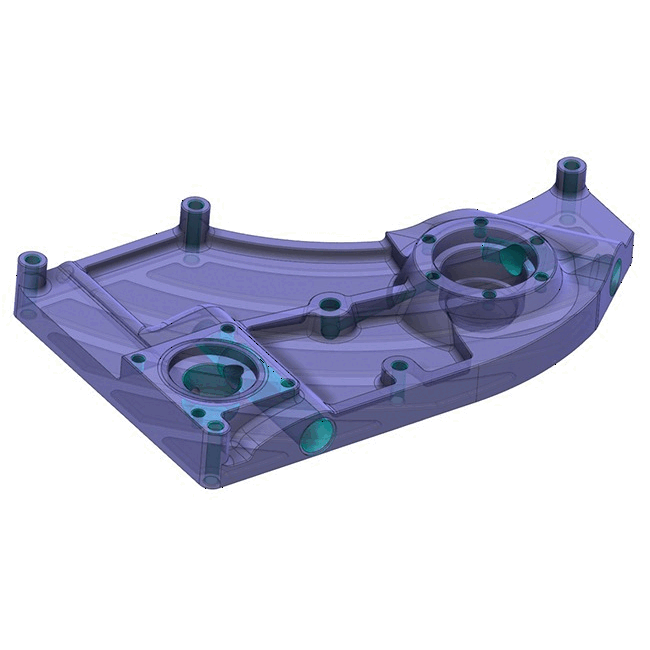
6 New CAD Features to Explore in Mastercam 2024
Mastercam Design is a computer-aided design solution that simplifies the creation of even the most complex parts with a robust suite of CAD tools. Mastercam 2024 is here and elevates your machining experience with powerful toolpaths, flexible tool motion, and our most intuitive interface yet. Here are some top CAD features—and how they can help your shop. 1. Note Workflow Improvement Mastercam 2024 improves efficiency…
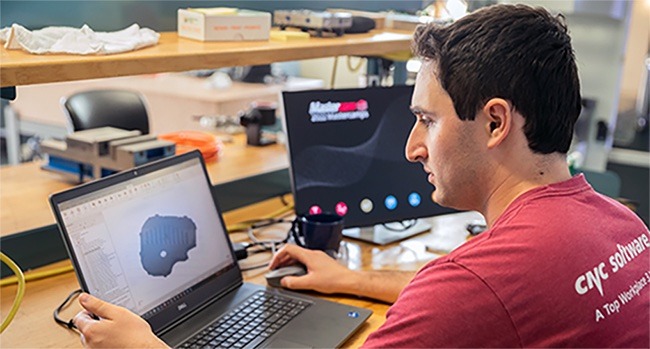
Have You Tried These New Mastercam 2024 Multiaxis Features?
As more and more shops adopt multiaxis practices, we have invested more in improving our Multiaxis product. Explore these three new Mastercam 2024 Multiaxis tools, created with users like you in mind. Colored Selection Display Multiaxis In Mastercam 2024, many geometry selections are now viewable in the graphics screen immediately upon entering a multiaxis path. Things like Machining geometries, Collision Control selections, and Pattern entities…
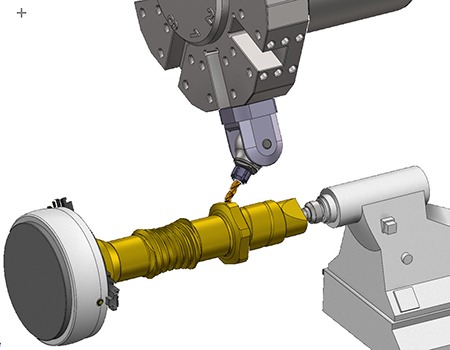
5 Ways Mastercam 2024 Makes Your Life Easier
Mastercam 2024 is full of new, useful tools that can make your day-to-day easier. Here are the top five you need to know. 1. Increase Productivity with B-Axis Contour Enhancements Three major enhancements have been added to the B-Axis Contour Turning operation: Ability to manually edit tool axis vectors, manually edit usable insert area, and adjust stock function. This allows for much more in-process control…
10 Mastercam 2024 Features You Need to Know
Mastercam 2024 is here to elevate your machining experience with powerful toolpaths, faster organized set ups, flexible tool motion, and our most intuitive interface yet. Here are the top 10 new Mastercam 2024 features — and how they can help your shop. 1. B-Axis Contour Enhancements Three major enhancements have been added to the B-Axis Contour Turning operation—the ability to manually edit tool axis vectors,…
6 Questions to ALWAYS Ask Before Investing in CAM (part two)
In our last blog, we covered the first three crucial questions to ask before investing in a CAM (computer-aided manufacturing) system. Follow along as we finish this series with the final three questions. 1. What is the pricing structure? Unfortunately, there usually isn’t one singular price tag for a specific CAM product. The amount you pay might depend on how many seats you buy, which…
6 Questions to ALWAYS Ask Before Investing in CAM (part one)
CAM (computer-aided manufacturing) software is the tool manufacturers use to direct their CNC (computer numerical control) units. Simply put, CAM software tells a machine how to cut a part. It’s a crucial part of the manufacturing process, because CAM controls how efficient the production process will be, how quickly the part will be made, and how accurate the finished product will be. For this reason,…
Mastercam 2024 Public Beta: 3 Features to Explore
The public beta program for Mastercam 2024 is now available. Here's a look at how to participate in our public beta program and the top new features we're most excited for you to try in Mastercam 2024 Public Beta. How To Access Mastercam 2024 Public Beta If you're a Maintenance user, you can log in to your Mastercam account and download the free public beta…
What is CAM?
CAM is computer-aided manufacturing (or computer-aided machining in some circles). It serves as the link between CAD and physical manufacturing, CAD being computer-aided design. After a designer or engineer creates a model of a part in their CAD program, they then export that file into a CAM system. This CAM system writes the code to control the manufacturing machinery that creates the part. It tells…
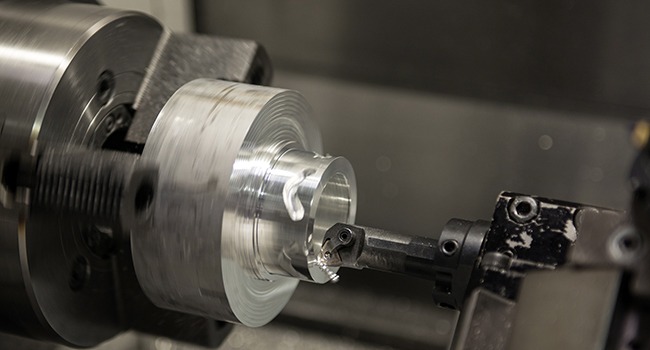
5 Things You Should Know About CNC Lathe Software
A computer numerical control lathe is directed by computer-generated code. This code tells the machine exactly where and how to cut, and it’s created by CNC software. When programmers need to find the best way to make a part on a lathe, they use their CNC CAD/CAM software to plan the machining motion. If you’re considering adding CNC lathe software to your shop, here are…
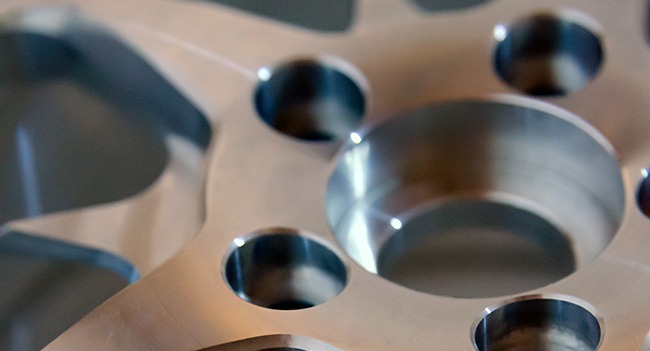
What Is the Difference between CNC Milling and CNC Turning?
CNC milling and CNC turning are the most commonly used machining styles in any given shop. Both rely on computer numerical control (CNC) programming, which directs the movement of a cutting machine along a predetermined path. Essentially, a CNC machine uses computer programming to cut away material in a specific way. The result is a part that is accurate and repeatable. Milling and turning differ…
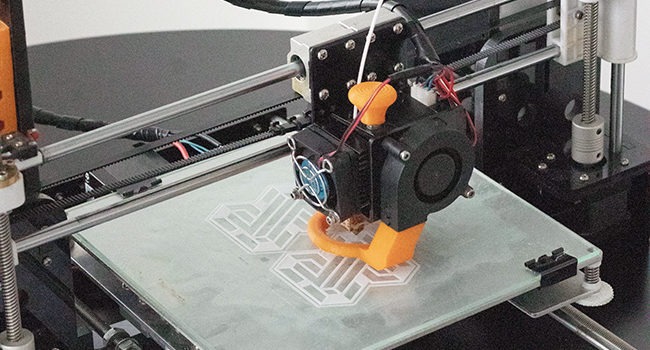
What’s the Difference between CAD/CAM and 3D Printing?
NC code, CNC machines, G-code, CAD software, CAM software, 3D printing – even a quick dive into manufacturing will bombard you with terms like these. But what do they mean, and are they connected? This blog will piece apart three of the most commonly used terms in production circles today: CAD, CAM, and 3D printing. First, let’s define the three: CAD: computer-aided design; software that…
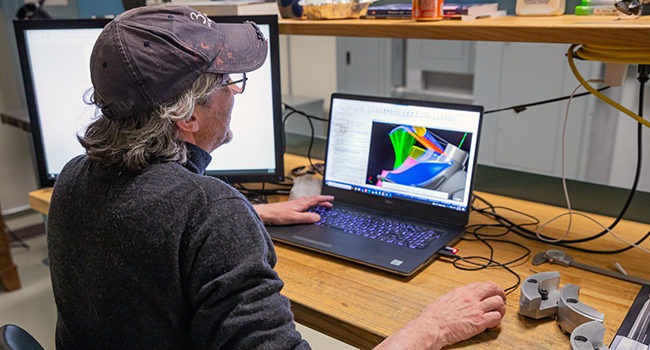
5 Ways Mastercam 2023 Makes Your Life Easier
Mastercam 2023 is full of new, useful tools that can make your day-to-day easier. Here are the top five you need to know. Detecting Undercut Stock When Machining In Mastercam 2023, achieving optimized motion is a matter of turning on a switch. The Dynamic OptiRough and Area Roughing toolpaths can now be aware of undercut stock conditions when rest machining. This results in improvements to…