Da 2 assi a 5 assi: una singola piattaforma CAM per ogni commessa gestita in officina.
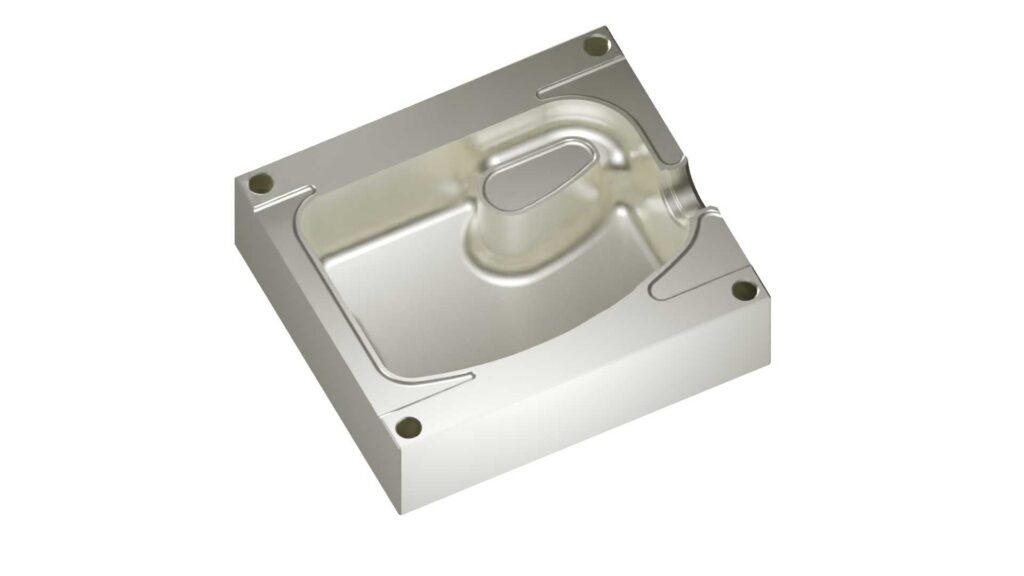
Mastercam Mill è stato progettato per soddisfare le effettive esigenze operative dell’officina: macchine diverse, scadenze serrate e nessuna possibilità di errore. Con la più ampia libreria di post-processori del settore e un motore per percorso utensile perfezionato nel corso di oltre quarant’anni, Mastercam offre ai programmatori gli strumenti per ottenere i necessari risultati da subito.
Dalle tasche 2D fresate ad alta velocità alle lavorazioni avanzate di turbine a 5 assi, Mastercam Mill gestisce ogni operazione con velocità e precisione fondamentali per l’officina.
Che si tratti di programmare semplici pezzi prismatici o complessi componenti aerospaziali multi-superficie, Mastercam Mill garantisce i percorsi utensile intelligenti, gli strumenti CAD e l’automazione necessari per rimanere competitivi.
Perché le migliori officine al mondo utilizzano Mastercam Mill
Mastercam Mill è stato progettato in base all’effettivo modus operandi degli operatori, garantendo la flessibilità, la velocità e il controllo necessari per la produzione moderna. Personalizza i percorsi utensile, automatizza le attività ripetitive e adatta le funzionalità man mano che la tua azienda cresce. I vantaggi principali comprendono:
-
Programmazione più rapida e tempi di ciclo più brevi:
la tecnologia Dynamic Motion™ riduce i tempi di taglio in aria e mantiene gli utensili in movimento tagliando quindi di più e più rapidamente;
-
Riduzione dei costi di attrezzaggio:
l’impegno intelligente dell’utensile mantiene costanti le forze di taglio, prolungando la durata dell’utensile e riducendo la spesa per i materiali di consumo;
-
Migliori finiture superficiali e tolleranze più ristrette:
i percorsi utensile ad alta velocità consentono di realizzare pezzi con la qualità richiesta dai clienti, da subito e sempre.
-
I tuoi file CAD pronti per la lavorazione
Importa da tutti i principali sistemi CAD senza perdere la geometria impostata. Mastercam supporta tutti i principali formati di file.
-
Assistenza locale competente sulla macchina
Il tuo rappresentante Mastercam è vicino, addestrato e pronto ad aiutarti, perché non si tratta di un call center globale.

Progettazione Programmazione Taglio Tutto in uno
Mastercam Mill è più di un motore per percorsi utensile: è una soluzione completa per la progettazione e la produzione. Mastercam supporta l’intero flusso di lavoro, dalla progettazione CAD al pezzo lavorato finito.

- Funzionalità complete di modellazione 3D: wireframe, superfici, solidi e modelli mesh
- Modifica, riparazione e preparazione dei modelli importati utilizzando gli strumenti Model Prep.
- Creazione, modifica e perfezionamento di modelli triangolari mesh
- Dynamic Motion™: sgrossatura ad alta efficienza
- Accelerated Finishing™ con supporto utensili a segmento circolare (a barile)
- Percorsi utensile avanzati multiasse, tra cui Port Expert e Blade Expert
- Taglio intelligente e in funzione al materiale grezzo per risultati costanti e prevedibili
- OptiRough e OptiRest dinamici
- Sbavatura multiasse e foratura avanzata
- Tecnologia Everpath (in uscita a marzo 2026) per la creazione di percorsi utensile ottimizzati ed editing grafico
- Lavorazione prismatica semplificata: tasche, contorni, fori e smussi
Caratteristiche di Mastercam Mill
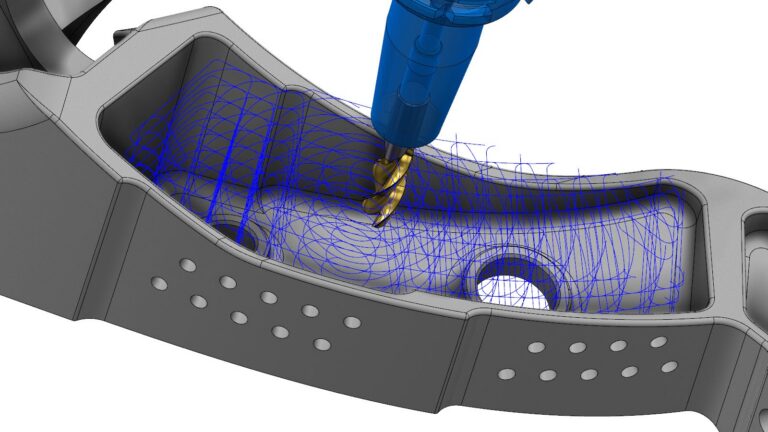
Tecnologia Dynamic Motion™
Il motore per percorsi utensile proprietario di Mastercam mantiene l’impegno degli utensili a carichi di truciolo ottimali, il che consente di ridurre il tempo di ciclo, prolungare la durata degli utensili e proteggere il mandrino. Ridotto taglio in aria Maggiore asportazione di metallo
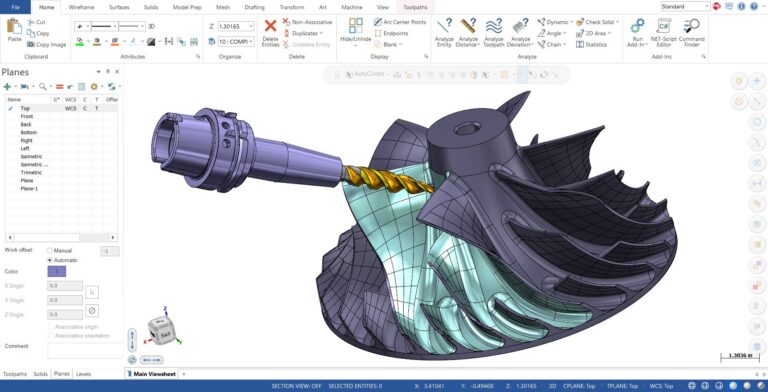
Accelerated Finishing™
Qualità superficiale eccezionale ottenuta in un minor tempo Accelerated Finishing utilizza percorsi utensile a controllo Scallop per mantenere una finitura superficiale uniforme su geometrie complesse, con un minor numero di passaggi.
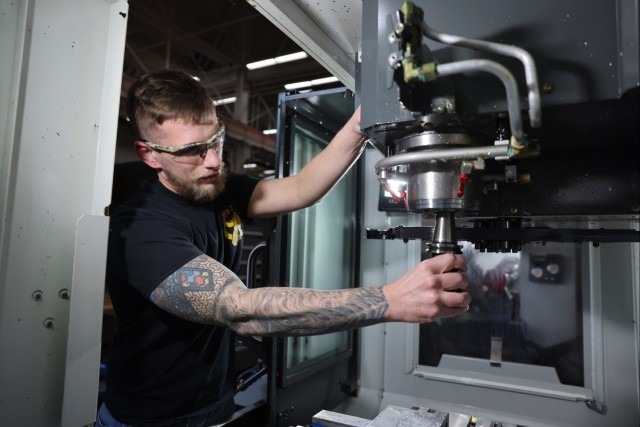
Percorsi utensile avanzati per sfide complesse
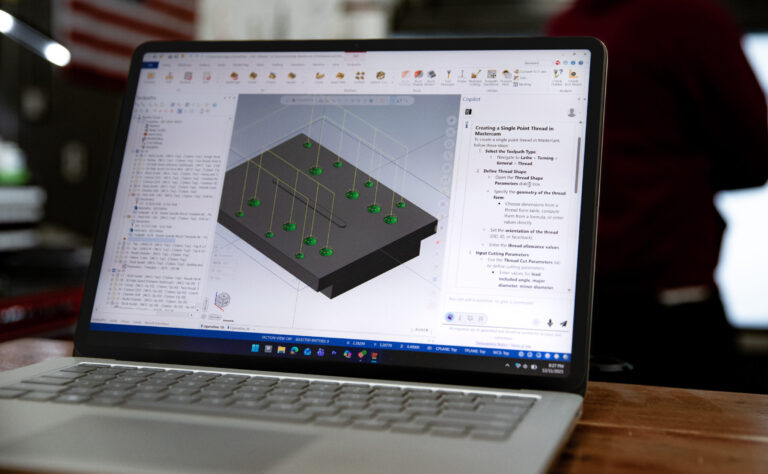
Dalle tasche fresate a 3 assi ai tagli simultanei a 5 assi, Mastercam garantisce ai programmatori il pieno controllo su geometrie complesse. Il potente sistema di rilevamento delle collisioni e il controllo dell’asse dell’utensile garantiscono sicurezza e precisione in ogni operazione.
Personalizzazione efficace
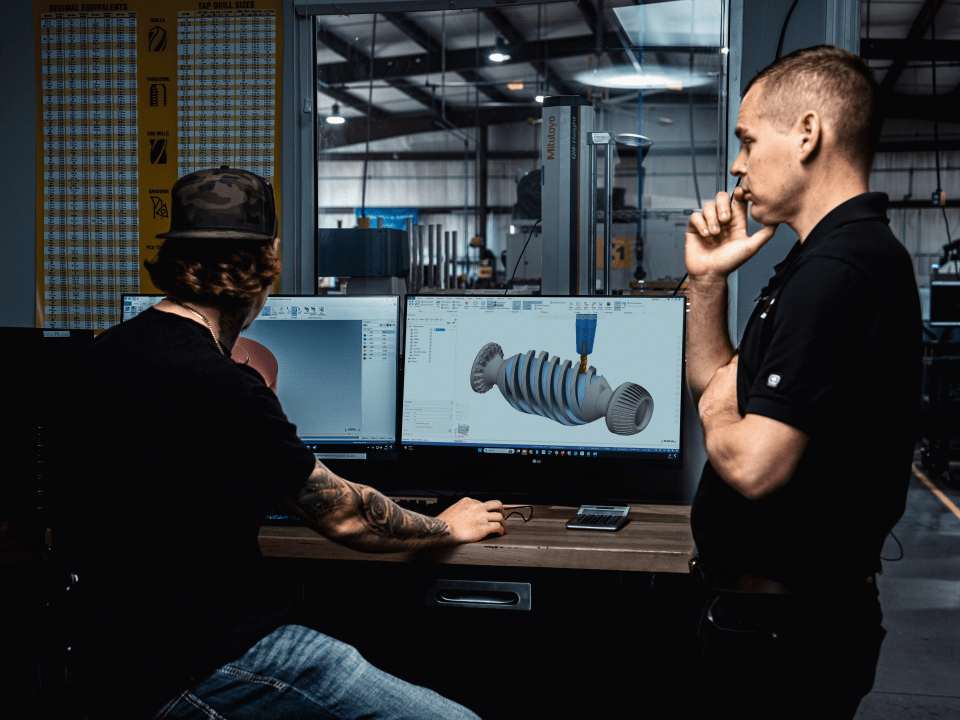
Ogni officina è un mondo a sé stante. L’API aperta, il linguaggio macro e la libreria di post-processori di Mastercam consentono di adattare il software alle macchine, ai materiali e al flusso di lavoro dell’officina.
Fresatura 2D: configurazione rapida. Pezzo in uscita pulito. Zero rilavorazioni.
Che si tratti di pezzi in serie o di pezzi unici, i percorsi utensile 2D di Mastercam garantiscono risultati costanti alla velocità prevista dalla tua officina. Contornatura, fresatura di tasche, foratura, filettatura: Mastercam gestisce ogni lavorazione 2D con precisione e un’automazione tale da ridurre il tempo di programmazione ed eliminare costosi errori.
Realizzato appositamente per l’officina. Supportato dalle migliori funzionalità.
-
Flessibile
Mastercam si adatta alla tua officina. Inizia con il 2D e aggiungi la funzionalità multiasse man mano che la tua attività si sviluppa: non serve alcun software nuovo o addestramento da zero.
-
Modulare
Aggiungi moduli man mano che la tua officina cresce. Wire EDM, Swiss, Lathe, Router: funzionano tutti nello stesso ambiente, con la stessa interfaccia che il tuo personale già conosce.
-
Connesso
Mastercam si integra con gli utensili Sandvik, i controlli macchina e il sistema CAD scelti dalla tua officina. Un unico flusso di lavoro connesso, dalla progettazione al taglio.
Storie di successo
Non c’è spazio per gli errori: Realizzare progetti mission-critical con Mastercam
Per Catamount Machine Works, la produzione di pezzi di precisione per l'industria della difesa richiede una precisione assoluta. La posta in gioco è alta e il fallimento non è un'opzione.
Produzione di stampi medicali di precisione
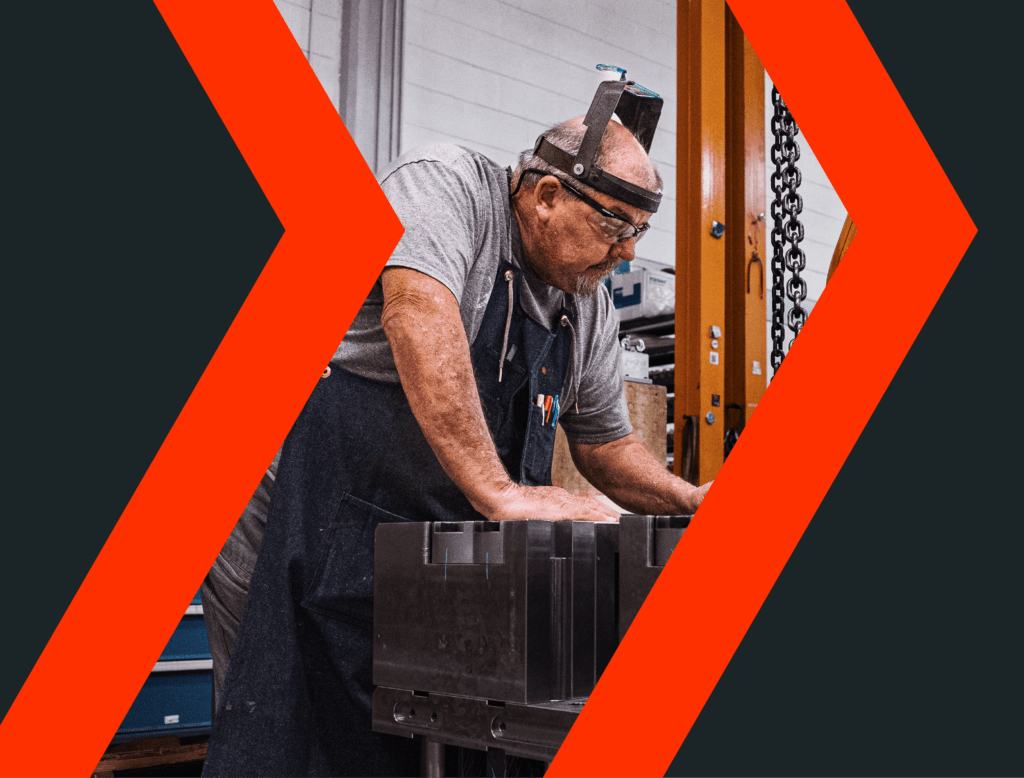
Nel mondo della produzione di dispositivi medici, dove le tolleranze si misurano in micron e le finiture superficiali possono avere un impatto sulla sicurezza dei pazienti, la precisione non è solo un obiettivo, ma una necessità. Presso lo stabilimento di SyBridge Technologies a Saint Petersburg, in Florida, questa precisione è in bella mostra.