Mastercam Copilot
Mastercam Copilot is an AI-powered assistant for CNC programming that works inside Mastercam. It answers your questions and handles routine edits, so you can focus on the machining decisions. Included with Mastercam CONNECT.
Promise meets reality
Artificial intelligence is everywhere. In manufacturing, that excitement is often mixed with skepticism. Whether it is a programmer creating toolpaths, a shop manager overseeing operations, or an executive driving business performance, manufacturers need tools that help them work smarter and more efficiently. The promise of AI is not to replace expertise, but to amplify it.
The best AI does not replace expertise. It assists.
Download the Mastercam Copilot guide
Three ways AI pays off in the shop
Workflow efficiency
Fewer clicks between a drawing and a finished program. AI takes on setup, bulk edits and first-pass toolpaths while your programmer stays in charge of every decision.
Data visibility and decisions
See the trade-offs before you cut. Tolerance-aware planning, confirmation prompts before changes, and parameters that trace back to jobs you have already proven out.
Analytics
Quote faster and learn from every job. Cost and cycle-time estimates, feedback from the machine, and program history that makes the next part better than the last.
AI that knows
Mastercam
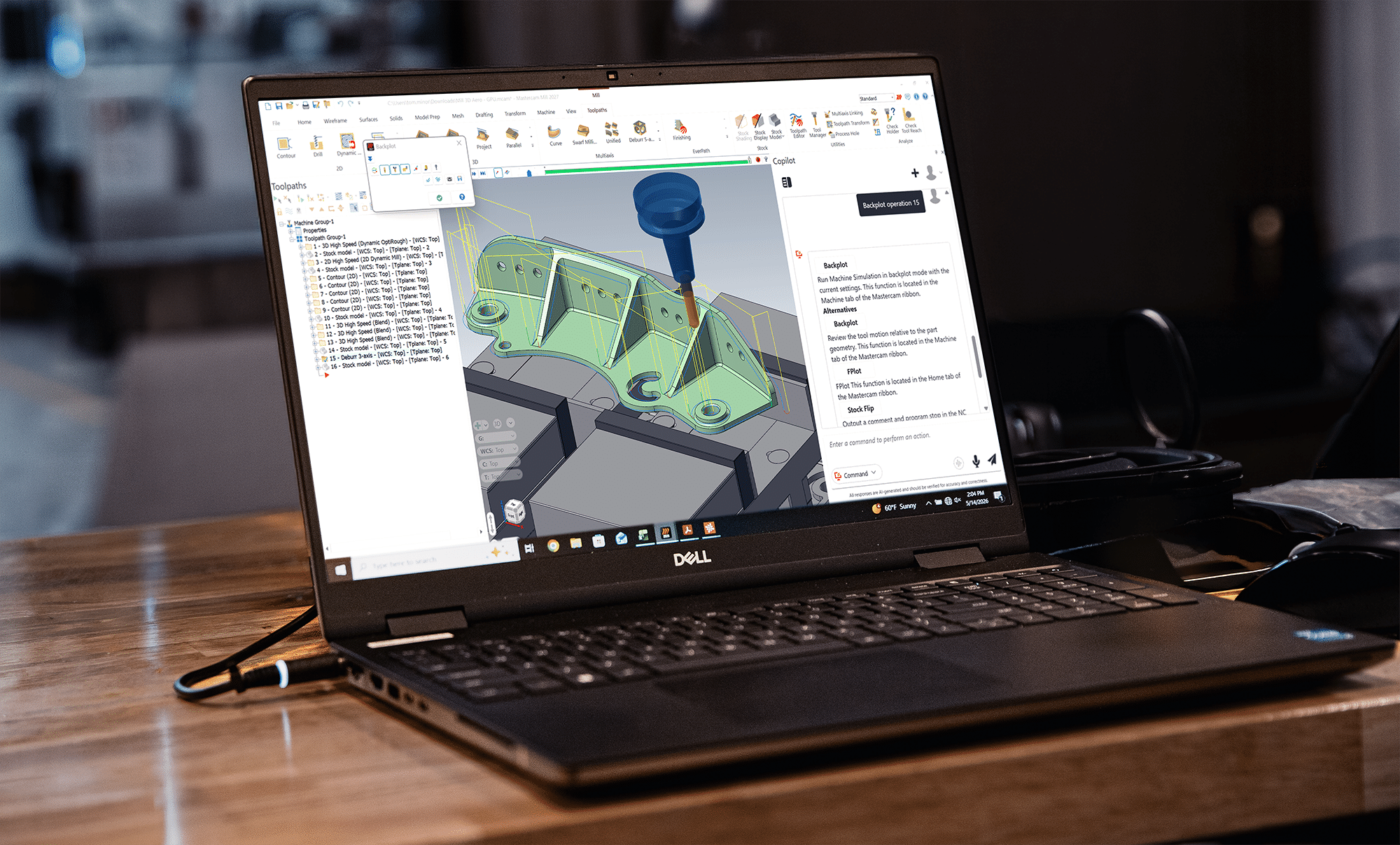
Mastercam Copilot answers questions using Mastercam’s own Help documentation and Knowledge Base, not general internet content. When it carries out a task, it asks you to confirm before making any changes. Give it a task and Copilot works out the best way to carry it out inside Mastercam. New capabilities are added with each Mastercam release.
Requires Mastercam 2027 and an active Mastercam CONNECT plan.
Three powerful functions, one seamless experience

Get instant answers from Mastercam Help documentation and Knowledge Base articles through natural conversation. No more digging through menus or searching multiple resources.

Navigate the UI, initiate tasks, create machine groups, edit feeds and speeds, and execute commands — all through plain language. Supports hundreds of toolpath types.

Not sure if you need an answer or an action? Just ask. Copilot works out which you need.
See it in action
Watch Copilot handle feed and speed adjustments, build a machine group from a voice command, and search the training library without leaving the programming workflow.
You stay in control
Copilot tells you what it is about to do and waits for your OK. Feed and speed edits can be undone.
Nothing changes until you say so.
Get started with Mastercam Copilot
in three steps
Mastercam Copilot is included with Mastercam CONNECT and installs as a separate download.

Confirm your CONNECT plan
Log in to myMastercam to check that your Mastercam CONNECT plan is active.

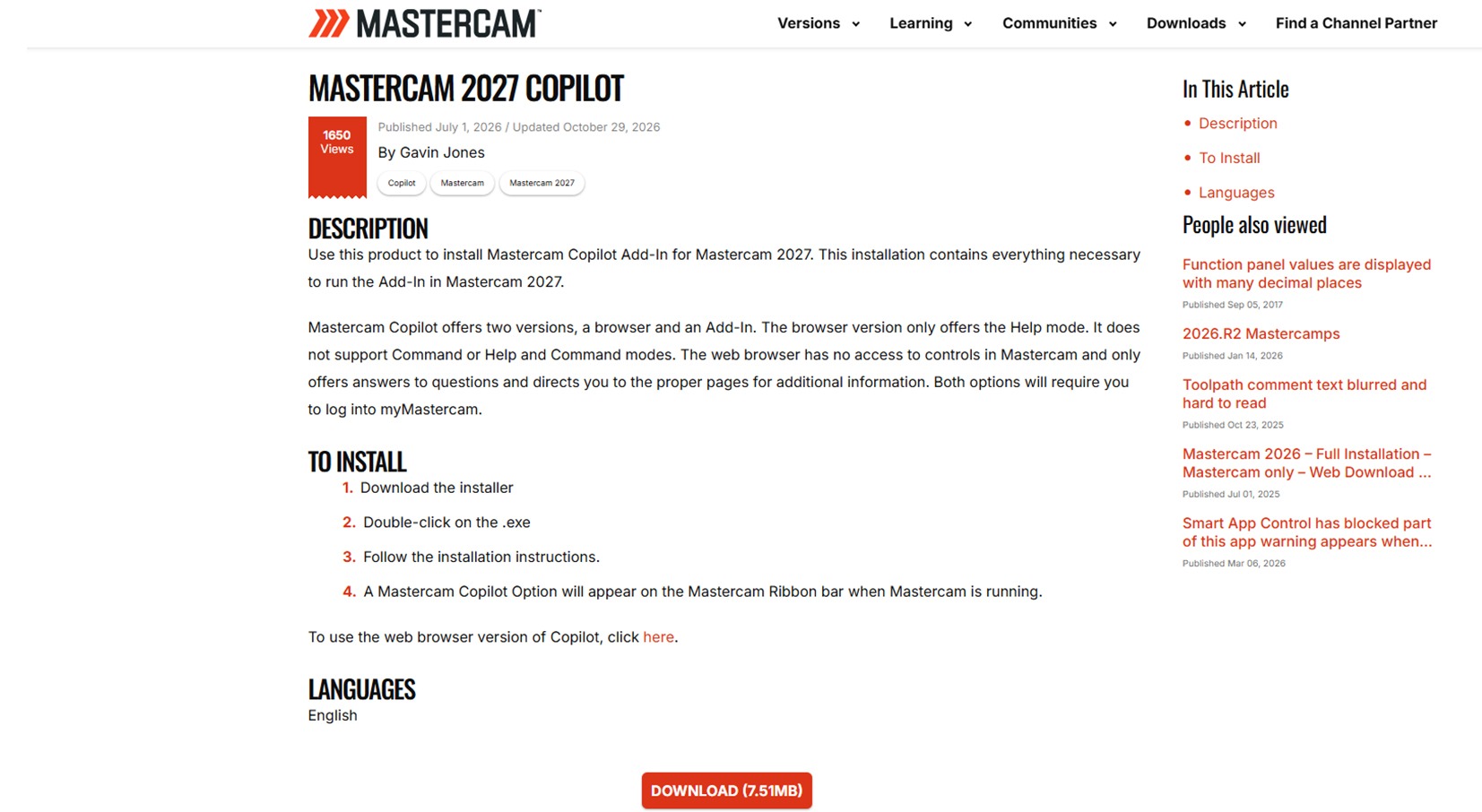
Download and install Copilot
Download Mastercam Copilot from myMastercam and run the installer.

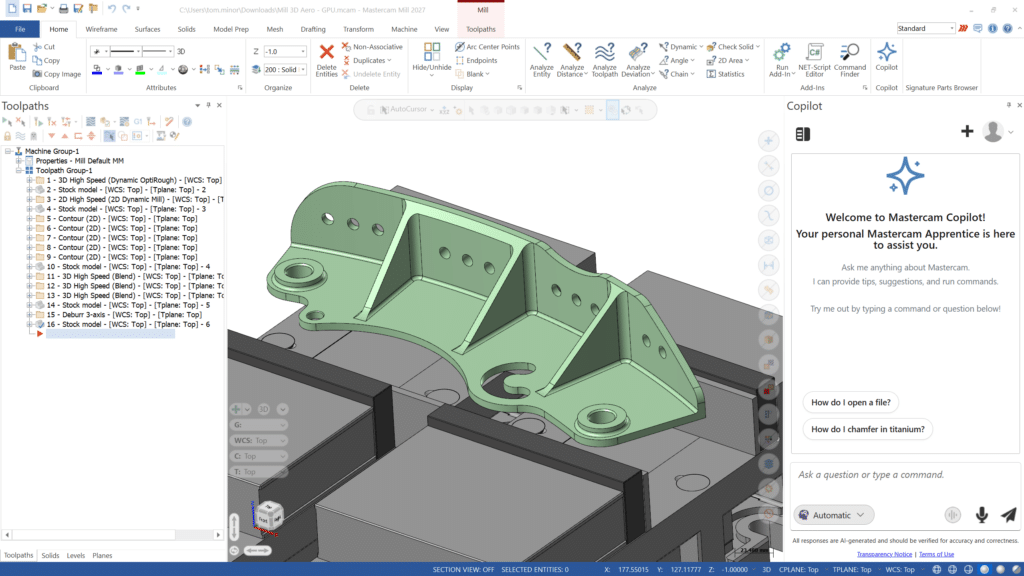
Open Copilot in Mastercam
Launch Mastercam and open the Copilot panel. Ask a question or give a command by voice or text.
Already on Mastercam CONNECT?
Mastercam Copilot is included with your CONNECT plan. Download it from myMastercam.
Download Mastercam CopilotNot on Mastercam CONNECT?
Rejoin CONNECT to get Copilot, along with every new Mastercam release, technical support, and updated post processors.
Get Mastercam CONNECTFeatures
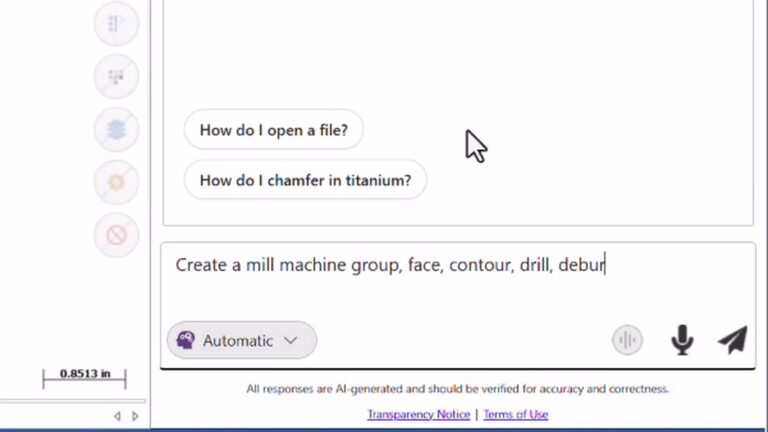
Hands-free operation
Say “Hey Copilot” to activate voice control. Adjust parameters, create operations, and navigate Mastercam without taking your hands off the work. Especially valuable during multitasking or when your hands are occupied at the machine.
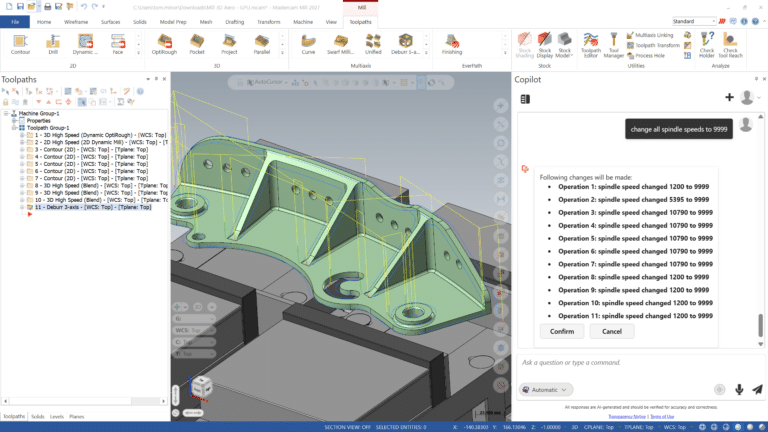
Feed and speed editing
Change feeds and speeds across many Mill, Lathe, and Router operations with one request. Copilot shows exactly what will change, waits for your OK, and the edit can be undone.
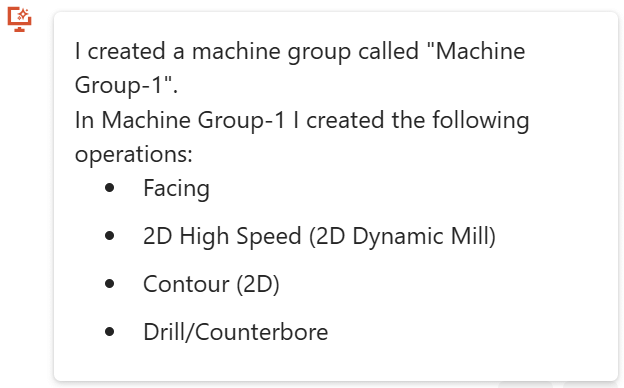
Machine group and operation creation
Build complete machine groups and populate them with operations by describing what you need in plain language. One command replaces dozens of clicks.
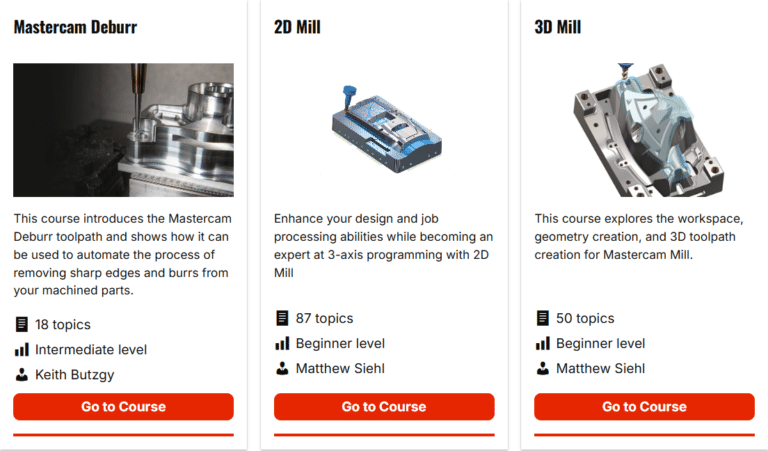
Video training search
Search the entire myMastercam video library and get answers with timestamps that link directly to the relevant moment. Learn faster, without leaving your workflow.
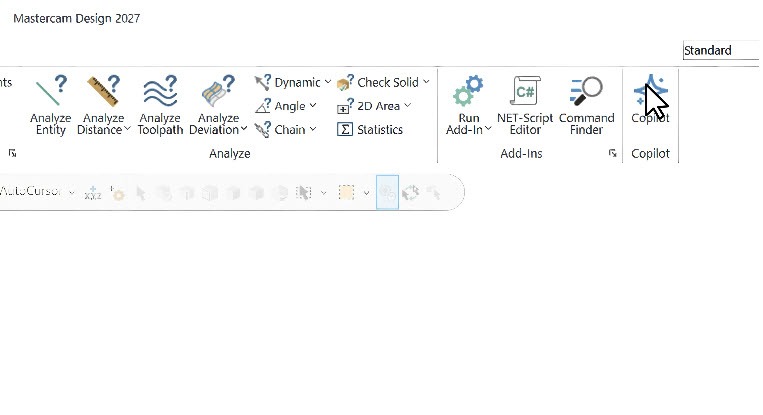
Access anywhere
Work from the integrated panel inside Mastercam or access Copilot through myMastercam on any device — desktop, tablet, or mobile.
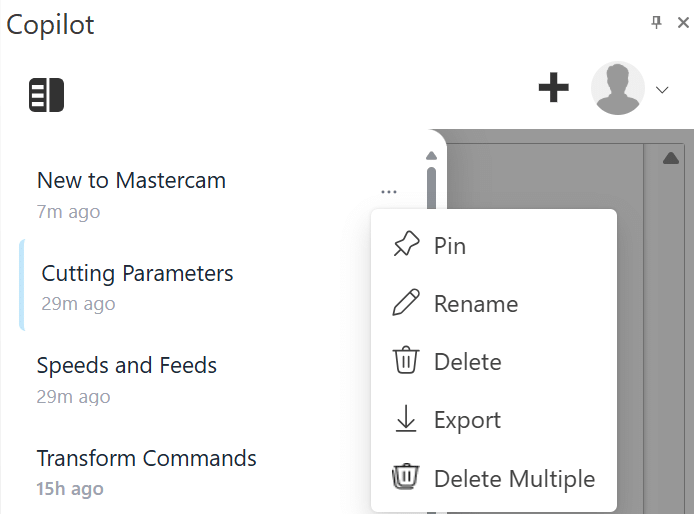
Built for every skill level
New programmers get a patient, always-available guide that accelerates learning. Experienced programmers eliminate repetitive inputs and stay focused on complex work.
Discover mastercam Copilot
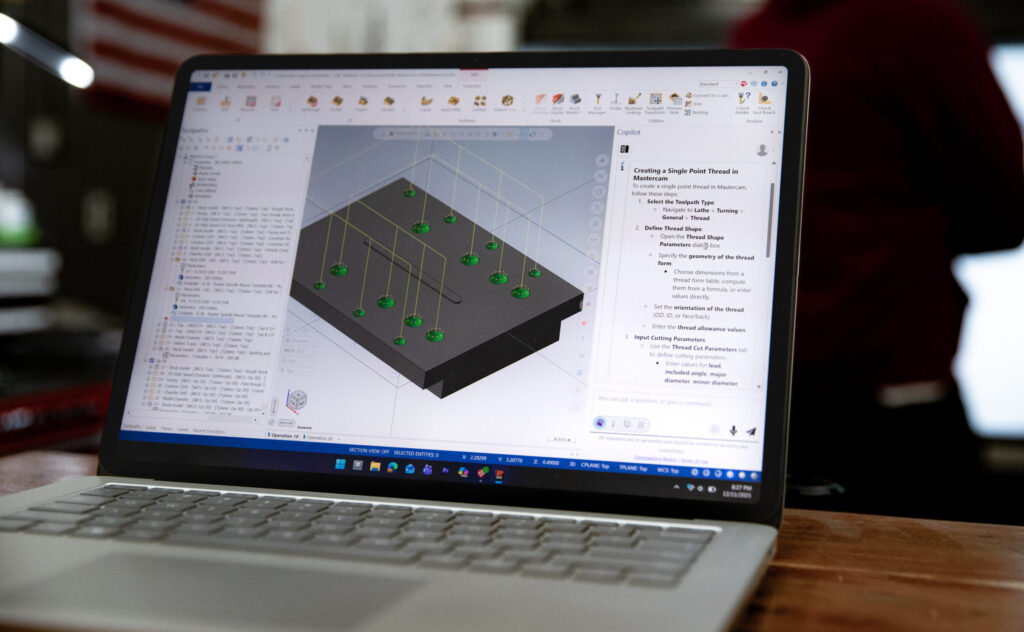
AI That Actually Knows Your Software
The gap between AI output and actionable guidance is not just inconvenient, it is expensive. Mastercam Copilot was built to close that gap entirely. Learn more about what that means in this blog post.
Copilot keeps getting better
Copilot updates between releases, and your feedback goes straight to the team building it.
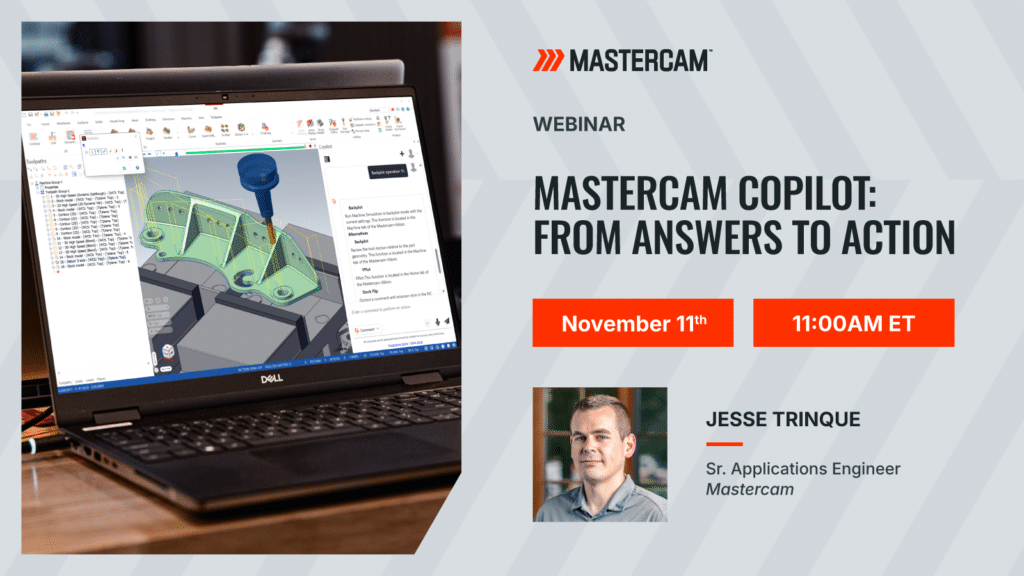
Join the Mastercam Copilot webinar on November 11 to see what is new and ask the team your questions.